













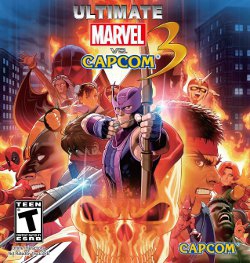
Images & Specifications Are For Illustrative Purposes Only & May Differ From The Actual Product. E&OE
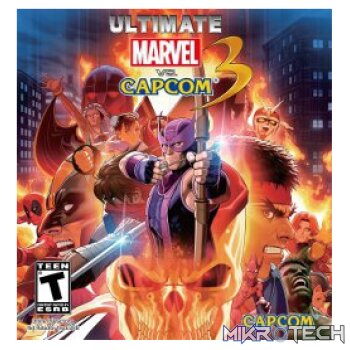
Ultimate Marvel vs. Capcom 3 Steam CD Key
R199.99 incl. VAT
Only 5 left in stock
Ultimate Marvel vs. Capcom 3 Trailer

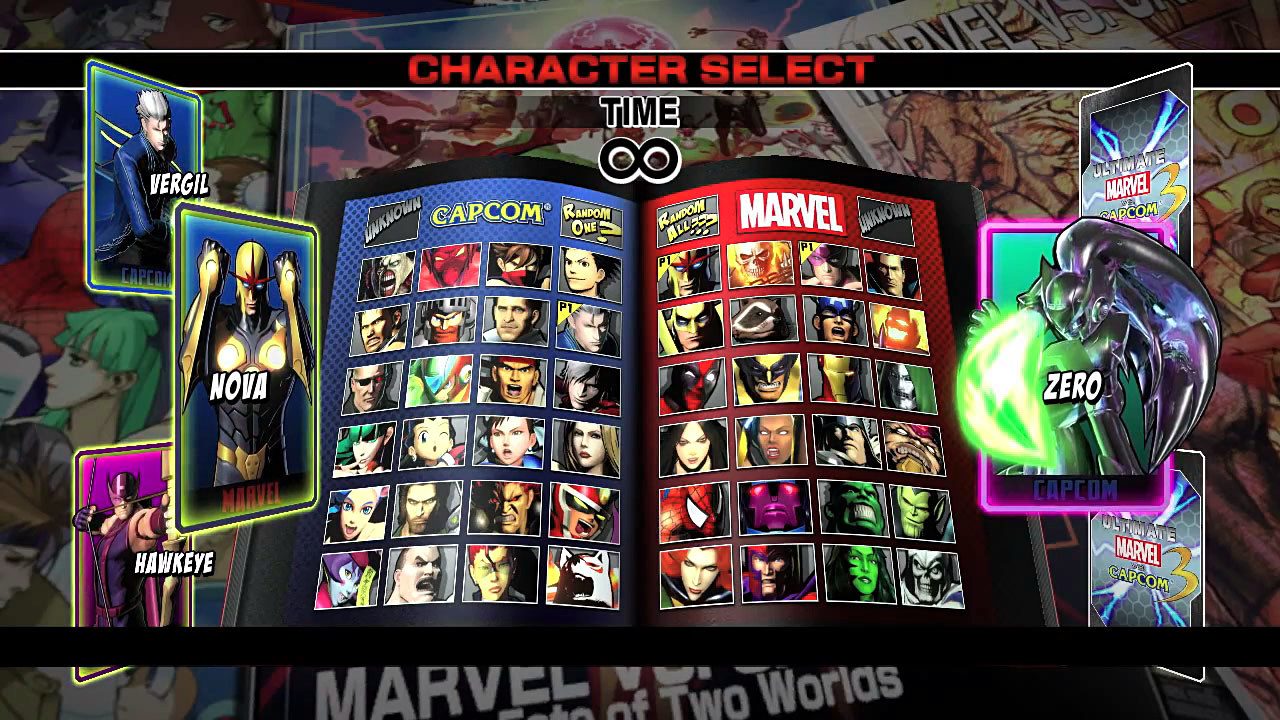
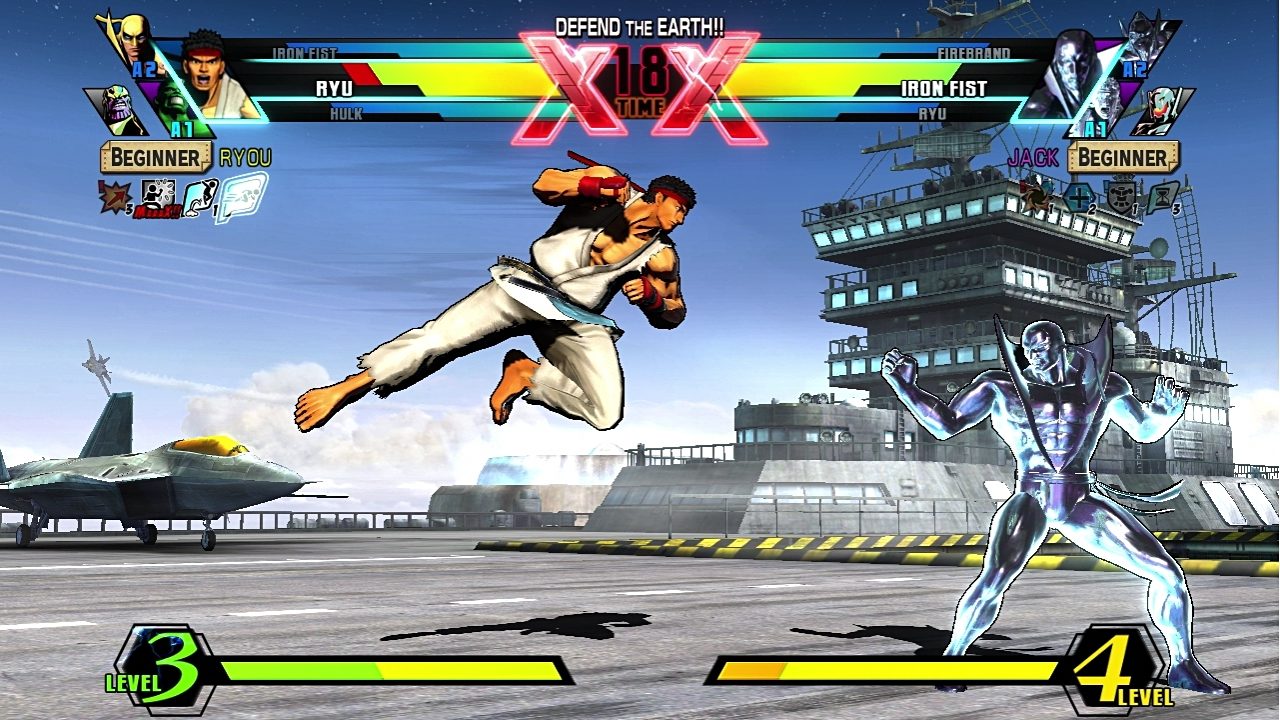
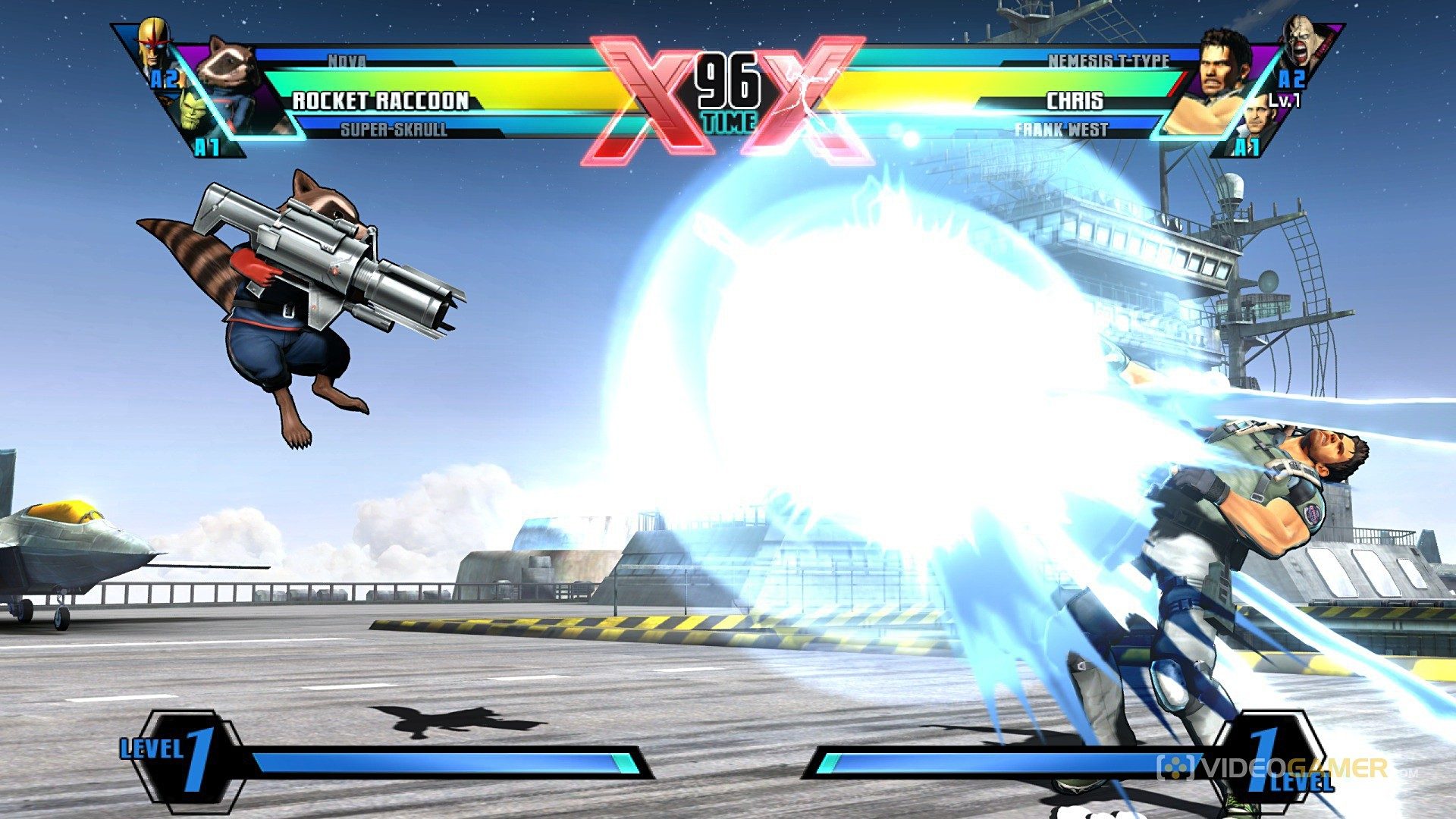
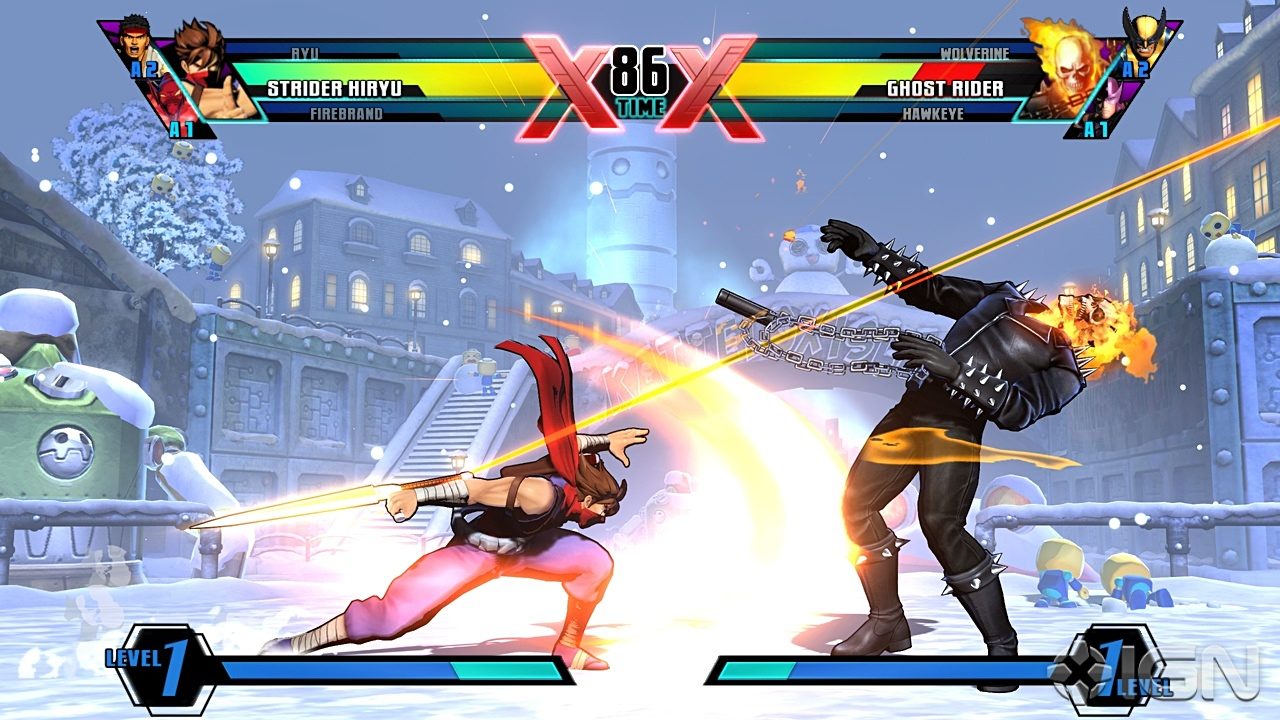
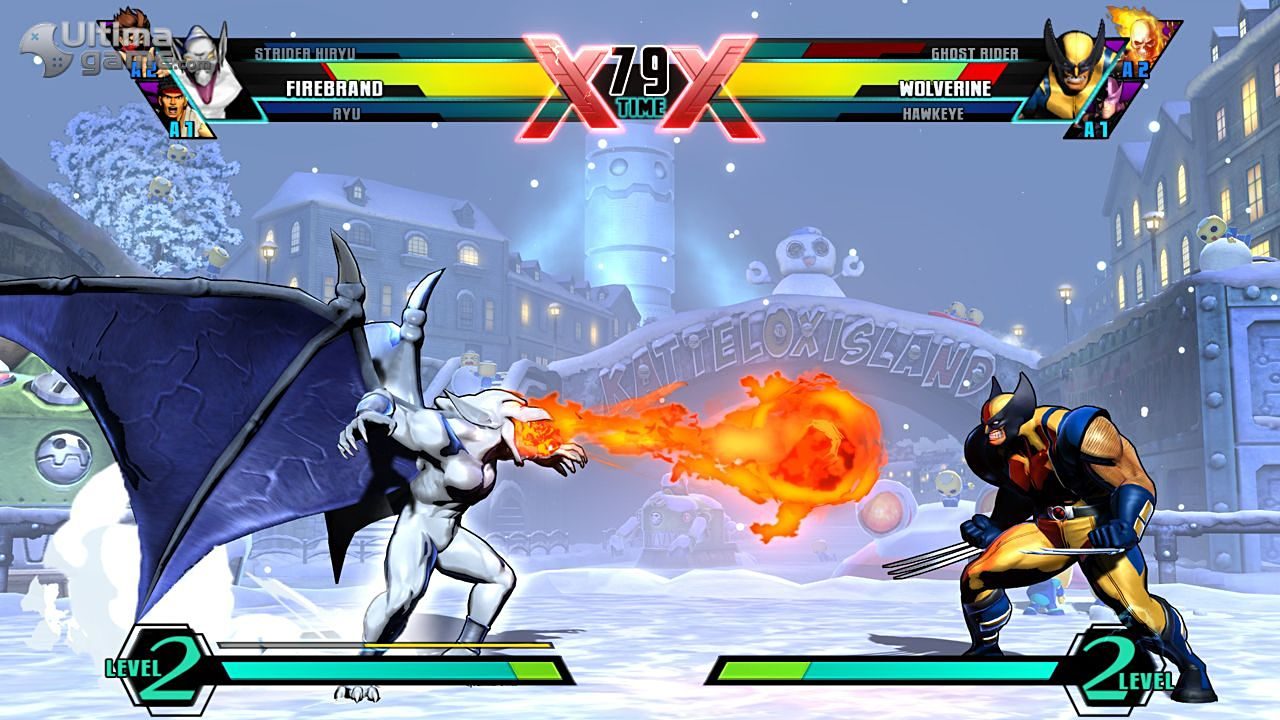
Ultimate Marvel vs. Capcom 3 is a crossover fighting game developed by Capcom in collaboration with Eighting. It is an updated version of Marvel vs. Capcom 3: Fate of Two Worlds. The game features characters from both Capcom's video game franchises and comic book series published by Marvel Comics. The game was released in November 2011 for the PlayStation 3 and Xbox 360, and was featured as a launch title for the PlayStation Vita in 2012. In Ultimate Marvel vs. Capcom 3, players select a team of three characters to engage in combat and attempt to knock out their opponents. As an update, the game utilizes largely identical gameplay mechanics to the original. However, both the aerial combat and X-Factor systems, introduced in Fate of Two Worlds, have received adjustments. In addition to gameplay modifications and new playable characters, the game features several aesthetic changes. After the events of the 2011 Tōhoku earthquake and tsunami disrupted the development schedule for downloadable content for Fate of Two Worlds, the additional content was created into a standalone title, Ultimate Marvel vs. Capcom 3, for a discounted retail price. The game received generally positive reviews upon release; critics praised the expanded character roster and improved online experience, but criticized the lack of new features and game modes.
Developer: Eighting
Publisher: Capcom
Genre: Action Sport Casual Fighting
Platform: Steam
Release Date: 2016-03-12
Age-Rating: PEGI 12
Metacritic Score:
Ultimate Marvel vs. Capcom 3 Minimum System Requirements:
Please ensure that your system meets the minimum requirements & will be compatible before purchase.
Windows
OS: Windows 7 SP1/ 8/ 8.1 (64-BIT Required)
Processor: Intel Core 2 Duo 2.4 GHz, or better
Memory: 2 GB RAM
Graphics: NVIDIA GeForce GTX260, or better
DirectX: Version 9.0c
Network: Broadband Internet connection
Storage: 4 GB available space
Sound Card: DirectSound compatible (must support DirectX 9.0c or higher)
Additional Notes: Genuine Xbox 360 PC compatible controller recommended.
How To Activate The CD Key?
Go to: http://store.steampowered.com/ and download STEAM client
Click “Install Steam” (from the upper right corner)
Install and start application, login with your Account name and Password (create one if you don’t have).
Please follow these instructions to activate a new retail purchase on Steam:
Launch Steam and log into your Steam account.
Click the Games Menu.
Choose Activate a Product on Steam…
Follow the onscreen instructions to complete the process.
After successful code verification go to the “MY GAMES” tab and start downloading.
You must be logged in to post a review.
Questions & Answers
There are no questions yet. Be the first to ask a question about this product.













































































































































Reviews
Clear filtersThere are no reviews yet.