
















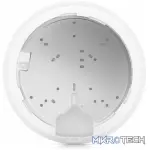
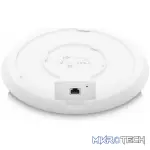
Images & Specifications Are For Illustrative Purposes Only & May Differ From The Actual Product. E&OE

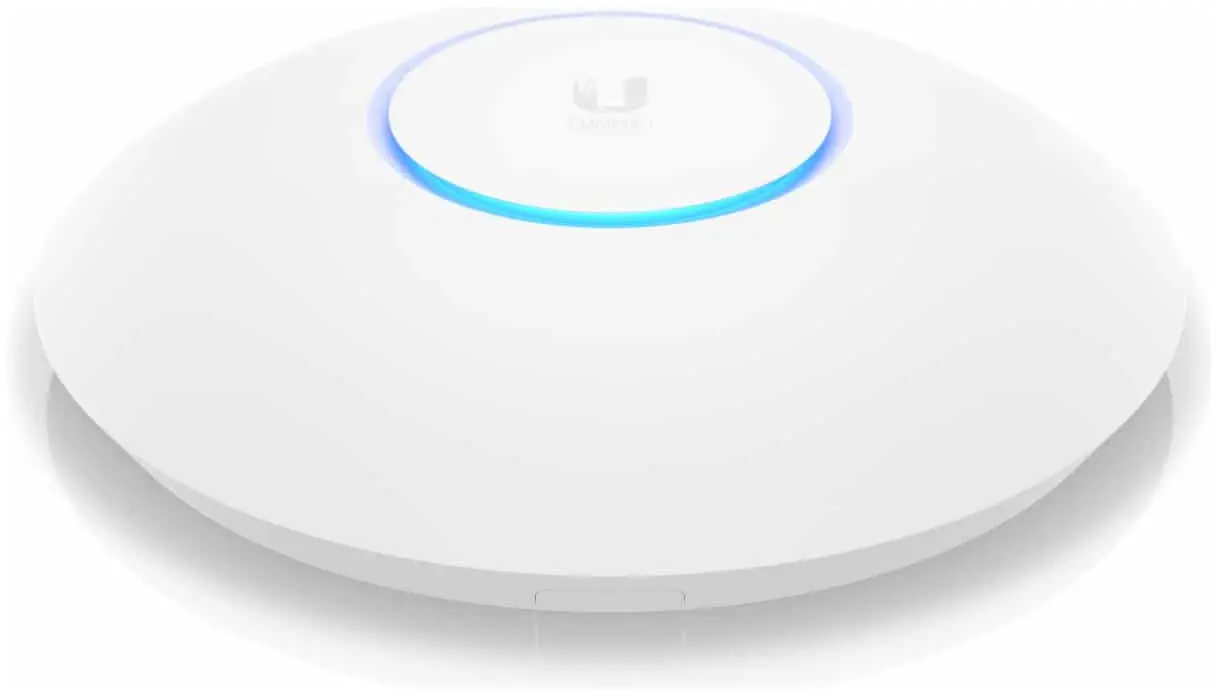
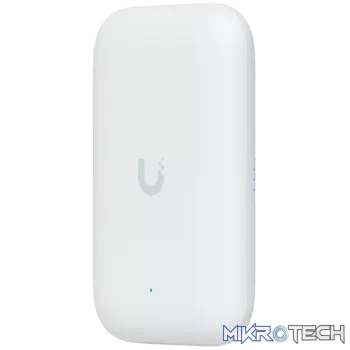
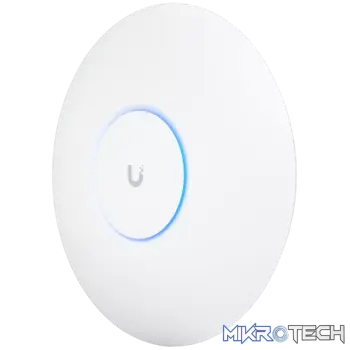
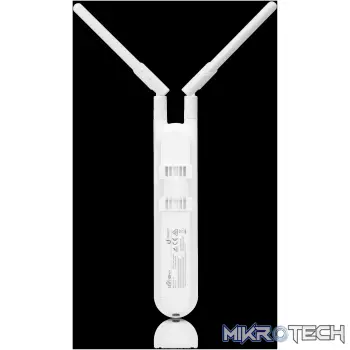
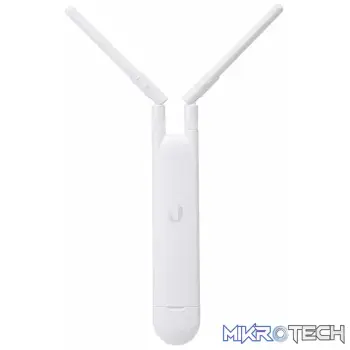
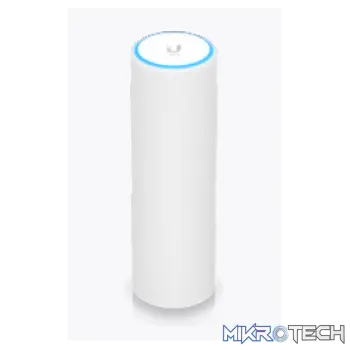
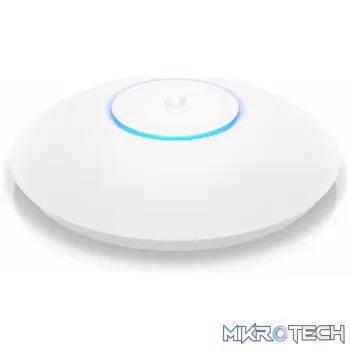
Ubiquiti UniFi Wi-Fi 6 Long-Range 4×4 MU-MIMO Access Point
R4,679.99 incl. VAT
Out of stock
Overview:
UniFi 6 Long-Range Access Point
SKU: U6-LR-US
U6-LR is a high-performance Access Point leveraging advanced WiFi 6 technology to provide powerful wireless coverage to enterprise environments.
It delivers an aggregate radio rate of up to 3.0 Gbps with 5 GHz (4×4 MU-MIMO and OFDMA) and 2.4 GHz 4×4 MIMO radios. The U6-LR seamlessly blends into any environment, and is capable of being mounted in indoor and semi-outdoor environments (IP54 rated).
Features:
- 1.3 GHz dual-core processor (now upgraded to support full-duplex 1 Gbps TCP/IP performance)
- Four-stream high-efficiency Wi-Fi 6 technology
- 5 GHz band 4×4 MU-MIMO and OFDMA with radio rate of 2.4 Gbps
- 2.4 GHz band 4×4 MIMO with radio rate of 600 Mbps
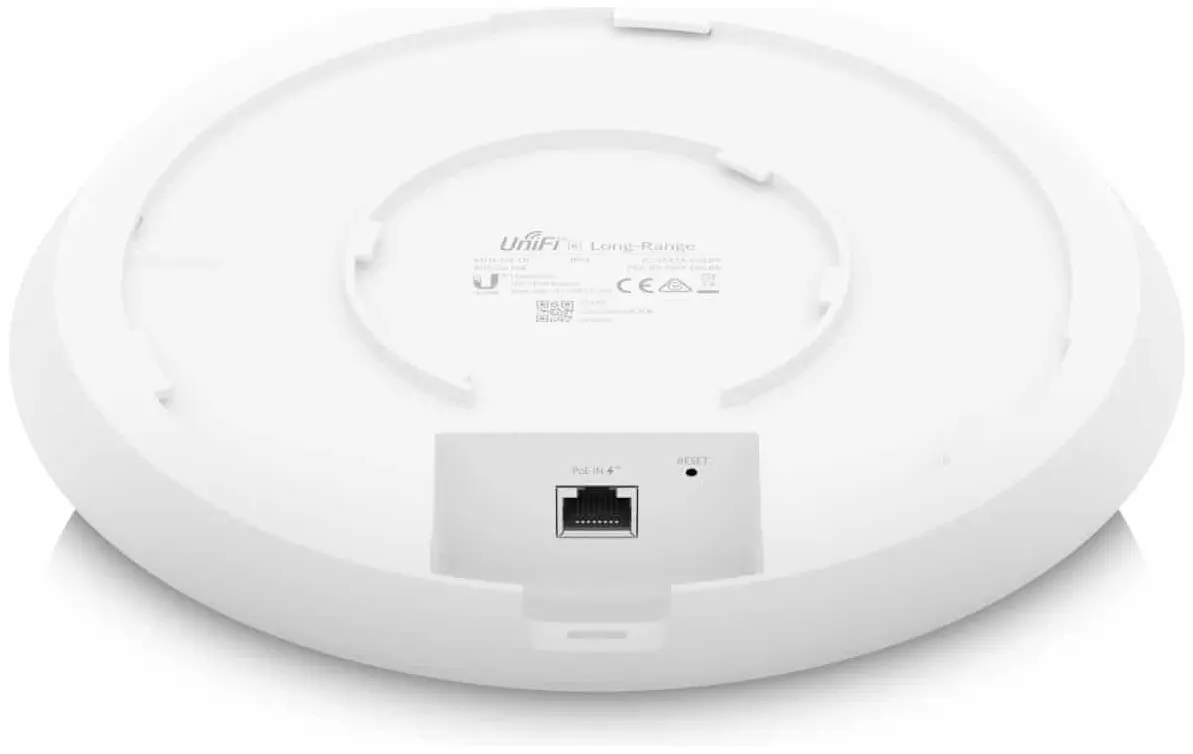
- Powered with 802.3at PoE (PoE injector not included)
Full-duplex 1 Gbps
Support full-duplex 1 Gbps TCP/IP performance
Four-stream high-efficiency Wi-Fi 6 technology
Wi-Fi 6 APs deliver an aggregate radio rate of up to 3 Gbps with 5 GHz (4×4 MU-MIMO and OFDMA) and 2.4 GHz 4×4 MIMO radios
Powerful, wider wireless coverage
The U6-LR access point utilizes Wi-Fi 6 technology to provide strong and expansive wireless coverage to all enterprise networking environments.
Simultaneously connect to more devices
Create and support over 300 distinct client connections.
Easily set up and grow your network
The U6-LR access point seamlessly integrates with the UniFi Network Controller and simplifies network bridging.
| Dimensions | Ø220 x 48 mm (Ø8.66 x 1.89″) |
|---|---|
| Weight | Without Mount: 800 g (1.76 lb) With Mount: 930 g (2.05 lb) |
| Enclosure Material | Plastic |
| Mounting Material | SGCC Steel |
| Weatherproofing | IP54 |
| Processor Specs | Dual-Core Cortex A53 at 1.35 GHz |
| Memory Information | 512 MB |
| Management Interface | Ethernet |
| Networking Interface | (1) 1 Gbps Ethernet RJ45 |
| Button | Factory Reset |
| LEDs | RGB |
| Power Method | PoE+, Passive PoE (48V) |
| Power Supply | UniFi PoE Switch 48V, 0.5A PoE Adapter (Not Included) |
| Supported Voltage Range | 44 to 57VDC |
| Max. Power Consumption | 16.5W |
| 2.4 GHz | 4 dBi |
| 5 GHz | 5.5 dBi |
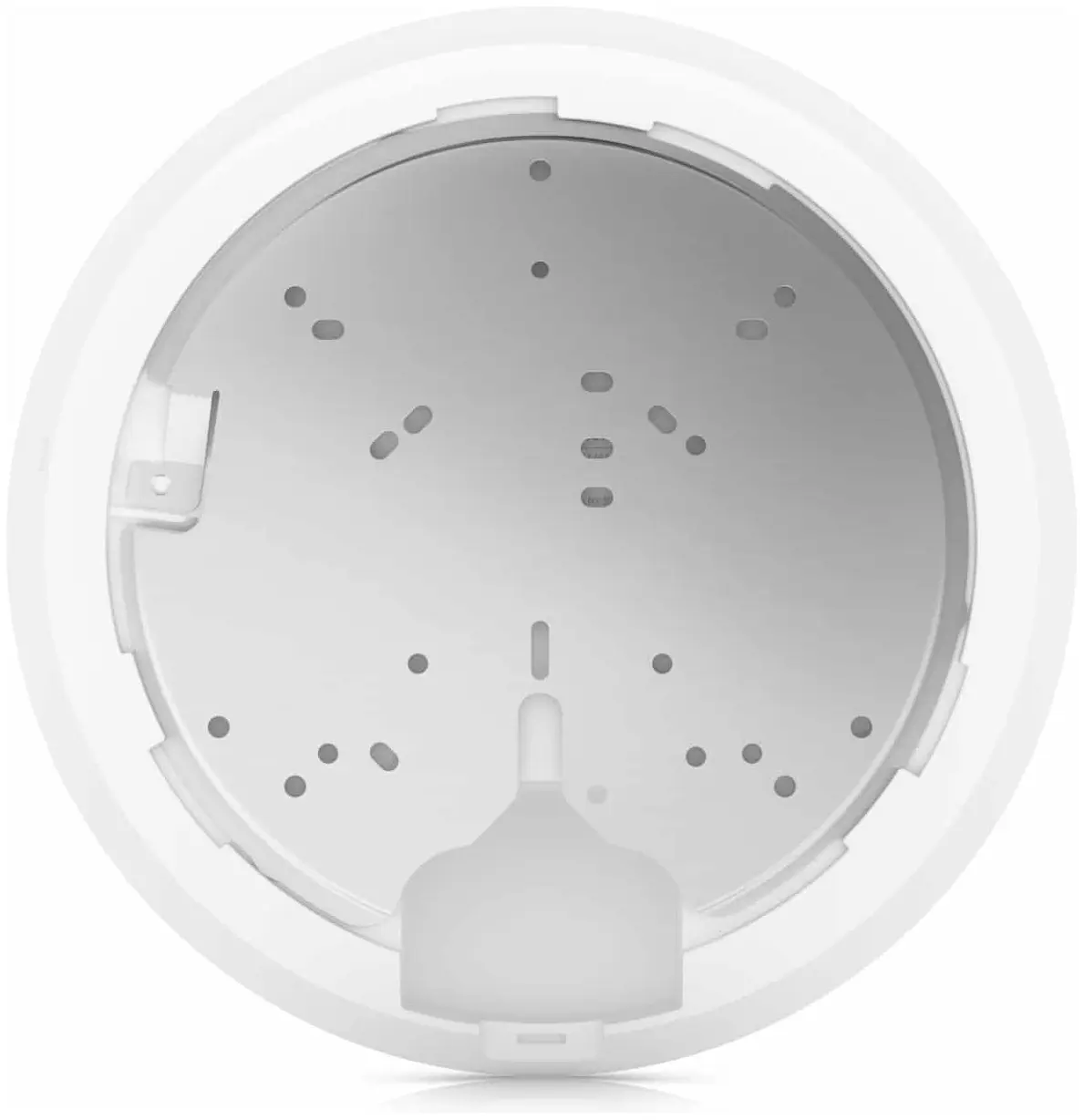
| Mounting | Wall/Ceiling (Kits Included) |
| Operating Temperature | -30 to 60° C (-22 to 140° F) |
| Operating Humidity | 5 – 95% Noncondensing |
| Certifications | CE, FCC, IC |
| Wi-Fi Standards | 802.11a/b/g Wi-Fi 4/Wi-Fi 5/Wi-Fi 6 |
| Wireless Security | WPA-PSK, WPA-Enterprise (WPA/WPA2/WPA3*) *Supported With Upcoming Controller Versions |
| BSSID | 8 per Radio |
| VLAN | 802.1Q |
| Advanced QoS | Per-User Rate Limiting |
| Guest Trafc Isolation | Supported |
| Concurrent Clients | 300+ |
| 802.11a | 6, 9, 12, 18, 24, 36, 48, 54 Mbps |
| 802.11b | 1, 2, 5.5, 11 Mbps |
| 802.11g | 6, 9, 12, 18, 24, 36, 48, 54 Mbps |
| 802.11n (Wi-Fi 4) | 6.5 Mbps to 600 Mbps (MCS0 – MCS31, HT 20/40) |
| 802.11ac (Wi-Fi 5) | 6.5 Mbps to 1.7 Gbps (MCS0 – MCS9 NSS1/2/3/4, VHT 20/40/80/160) |
| 802.11ax (Wi-Fi 6) | 7.3 Mbps to 2.4 Gbps (MCS0 – MCS11 NSS1/2/3/4, HE 20/40/80/160) |
You must be logged in to post a review.
Questions & Answers
-
What is the average radius of this product, for both frequency bands?
- QWhat is the average radius of this product, for both frequency bands?answer nowAsked by on 18th August 2022 9:36 AMAnswered by the admin
It's difficult to give you an exact answer to this, as there are a lot of real-world factors at play that would affect the range (and, radius) that you're able to achieve out of this Ubiquiti UniFi6 Long-Range, which mostly depends on your surroundings, as well as the strength of the receiving antennas on the devices which you have connected to it.
However, in theory it should be possible to get a rough calculation on what to expect, and whilst it does include some complicated math, I'll link to article which helps make sense of these calculations and breaks it down quite nicely for you here: https://www.electronicdesign.com/technologies/communications/article/21796484/understanding-wireless-range-calculations
We'll use the following calculation:
Maximum path loss = transmit power – receiver sensitivity + gains – lossesMaximum path loss = 26dBm – (Based on your Receiving Device | Assuming -55dB) + (4dBi for 2.4GHz & 5.5dBi for 5GHz Transmitter | Assuming 6dBi Receiver) – (Based on your Environment - We'll Assume 12dB)
This gives us a Maximum Path Loss of 26 - (-55) + 10 (2.4GHz) / 11.5 (5GHz) - 12 = 79dB for 2.4GHz or 80.5dB for 5GHz.
Finally, we use the following formula to get an idea of roughly what range to expect:
Distance (km) = 10(maximum path loss – 32.44 – 20log(f))/20Where f is the frequency in MHz, which would equate to 2400MHz and 5000MHz respectively.
Therefore, for the 2.4GHz Frequency Range: Distance (km) = 10(79 – 32.44 – 67.60)/20 = 0.088715601204km (or ~88.7 meters)
And for the 5GHz Frequency Range, Distance (km) = 10(80.5 – 32.44 – 73.98)/20 = 0.0505824662km (or ~50.5 meters)
You could also additionally use an online calculator, such as this one: https://www.rapidtables.com/calc/math/Exponent_Calculator.html?x1=10&x2=-1.296
Just bear in mind that for a WiFi connection you would ideally like to aim for a signal of less than 60dB to keep a strong connection, as described in this article here: https://eyenetworks.no/en/wifi-signal-strength/
I hope you've found this information helpful!
** Please note though these calculations are not actual guaranteed values, and the results which you achieve will differ based on factors like environment, the strength of the receiving device's WiFi Antenna / Receiver & other factors as described in the articles above.





















































































































































Reviews
Clear filtersThere are no reviews yet.