














Images & Specifications Are For Illustrative Purposes Only & May Differ From The Actual Product. E&OE
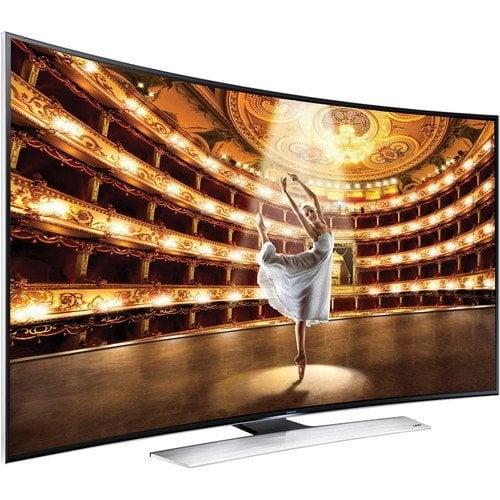
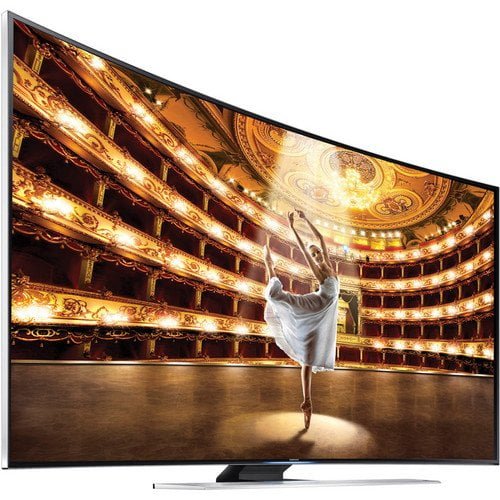
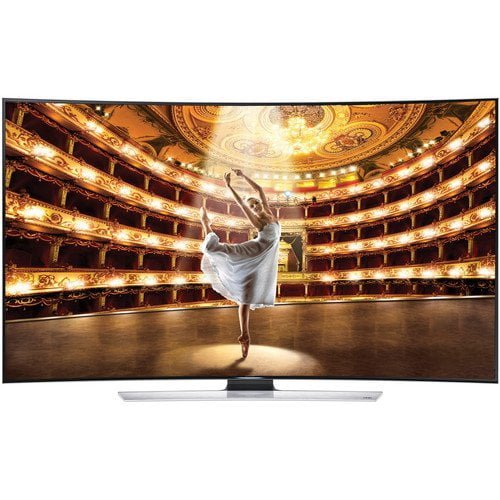
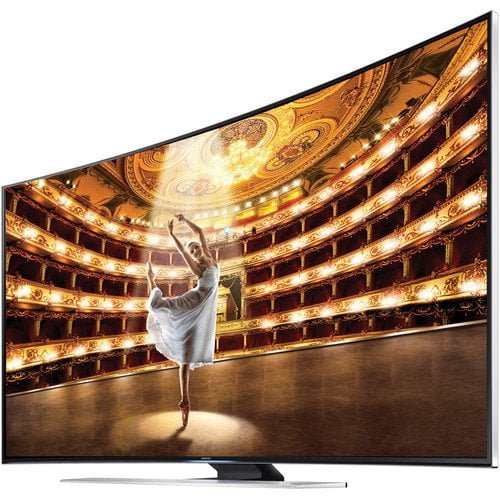
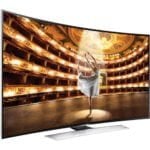
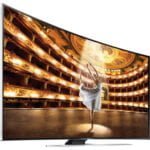
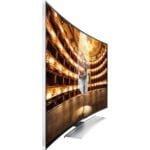
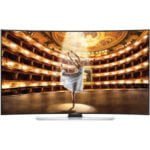
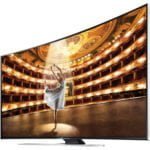
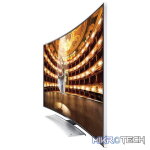
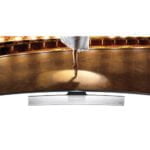
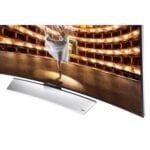
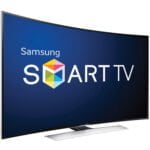
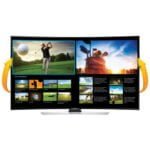
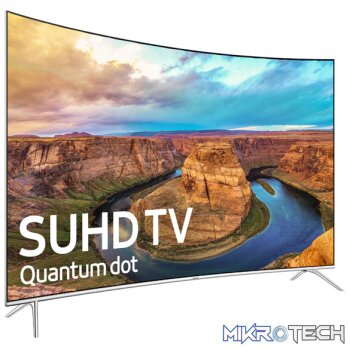
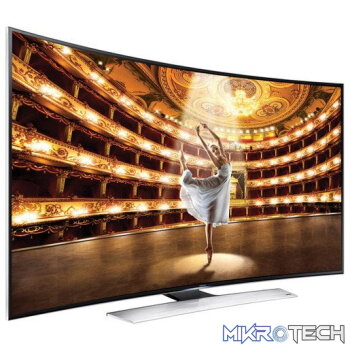
Samsung HU9000 55″ Curved Ultra HD 4K Smart Interaction 3D Slim LED TV
R29,899.99 incl. VAT
Only 1 left in stock
Features:
Surround your senses and be part of the action
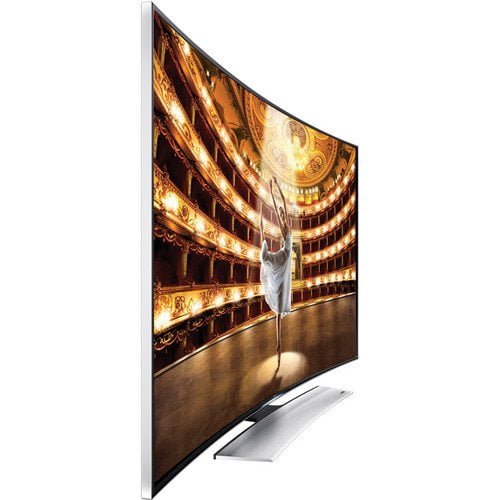
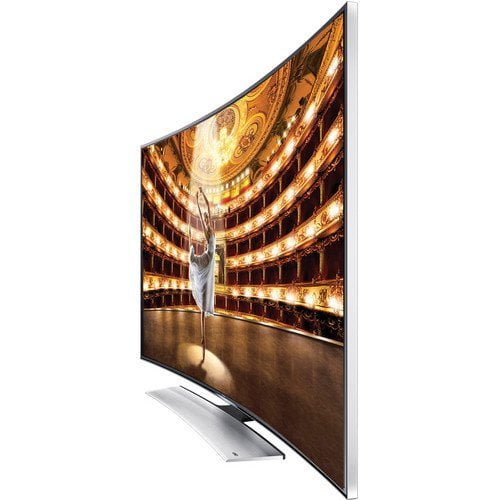
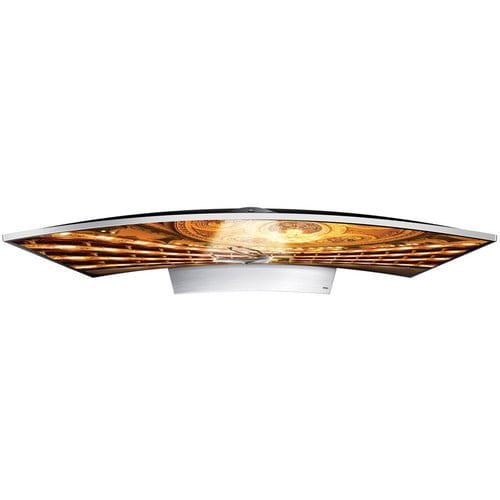
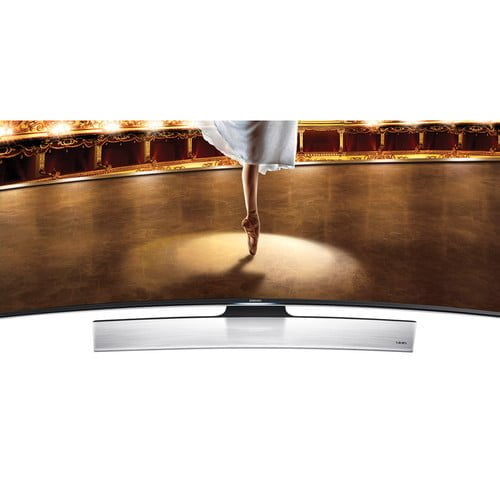
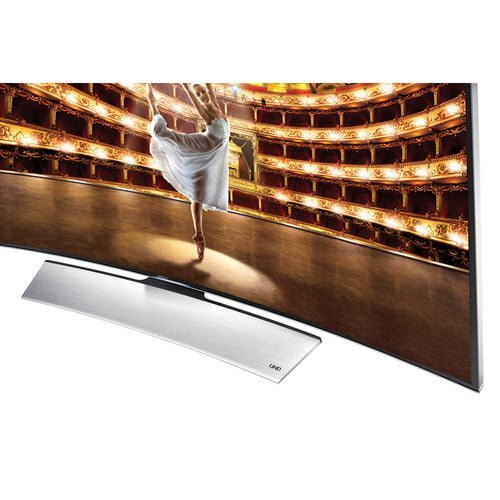
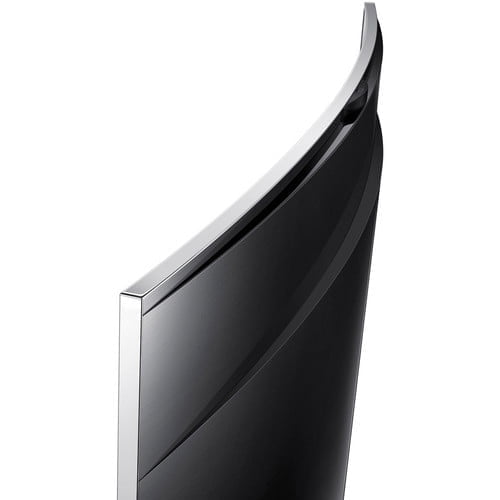
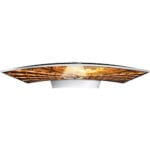
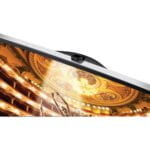
Samsungs revolutionary Curved UHD TV takes you into the new world of immersive viewing and makes you feel as though you are right in the middle of the action. The UHD screen is curved at the right angle to provide the optimal viewing distance for your living room. Also, the gently curved UHD screen gives you uniform and balanced viewing from all areas of the screen. See the finest UHD picture quality, depth and detail a UHD screen has to offer.
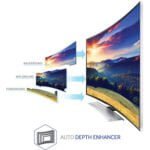
Curved screen elevates the feeling of depth
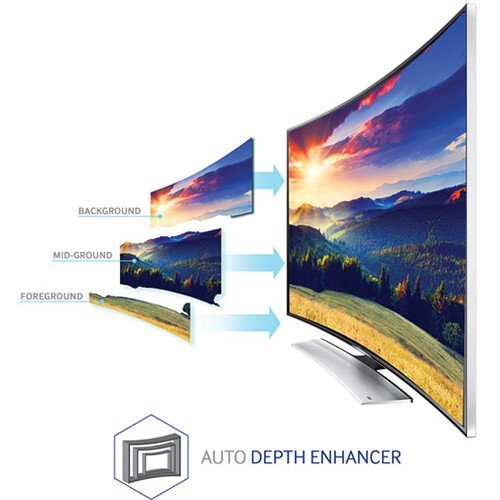
Get ready to experience images more lifelike than ever before. With Samsungs Auto Depth Enhancer, your Curved UHD TV will give you a greater feeling of depth by applying different levels of contrast enhancement on different areas of the screen, making your entertainment more immersive and enjoyable. You truly have to see it to believe it.
UHD upscaling enhances the quality of all of your viewing
Thanks to the Samsung UHD Picture Engine, you can enjoy various kinds of content with near UHD-level picture quality, even if its not from a UHD source. Samsungs innovative processing enhances broadcast TV shows and movies as well as video on demand and more. That means not only does it process UHD sources at crisp 4K resolution, it even converts lower-resolution content to a level of clarity thats almost like Ultra High Definition.
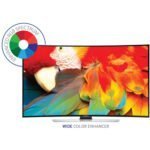
Every color and shade displayed in their natural state
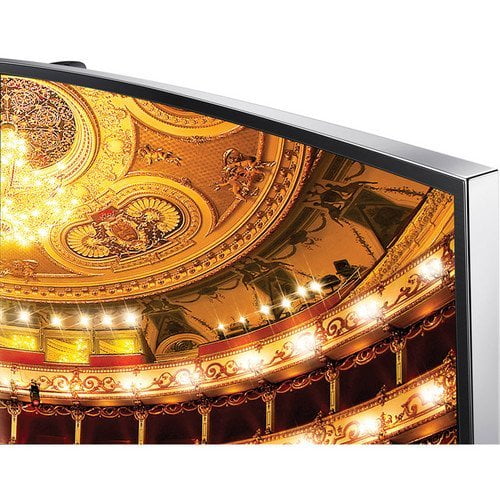
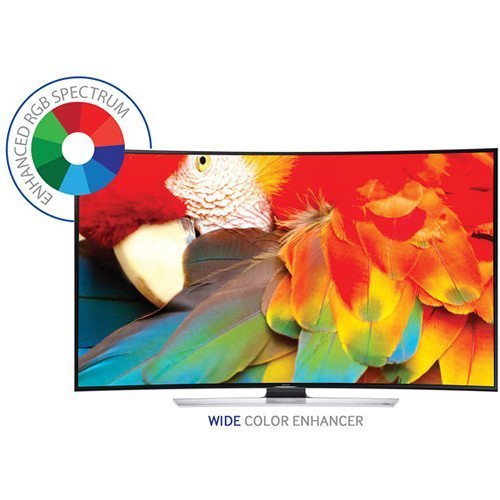
The Samsung Curved UHD TV displays the worlds colors in their natural state through PurColor. By expressing a wide range of colors and shades that are as close to real life as possible, PurColor brings out the purest colors in front of your eyes. With 7 times more color adjustment points than full HD TV, you get more accurate colors that are truly worthy of being displayed on a UHD screen. Get closer to your curved UHD TV entertainment and truly see all the colors as nature intended in super accurate and fine detail.
A more detailed picture made for UHD resolution
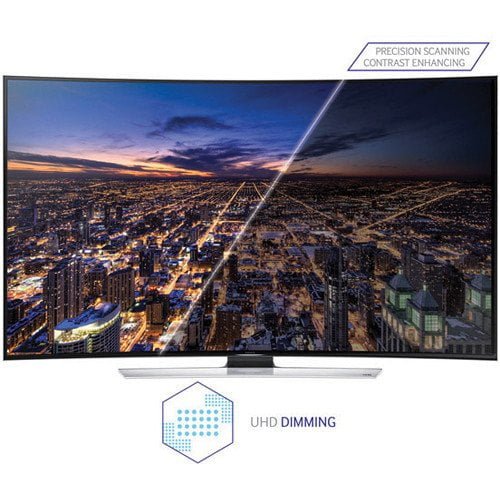
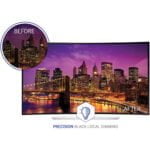
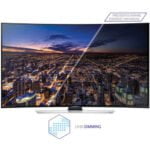
Samsungs advanced UHD dimming technology brings the ideal level of contrast and color to your UHD viewing. The higher resolution of UHD also means that the picture requires more processing for a highly-detailed image. Thats why Samsung UHD dimming technology has been developed to process black and white as optimally as possible and produce colors that are far more vivid.
See amazing brightness in the darkest scenes
Peak Illuminator heightens luminosity by boosting the LED backlights in bright areas of the screen. So when light appears in dark areas, like streetlights illuminating a cityscape, the moment is even more enchanting.
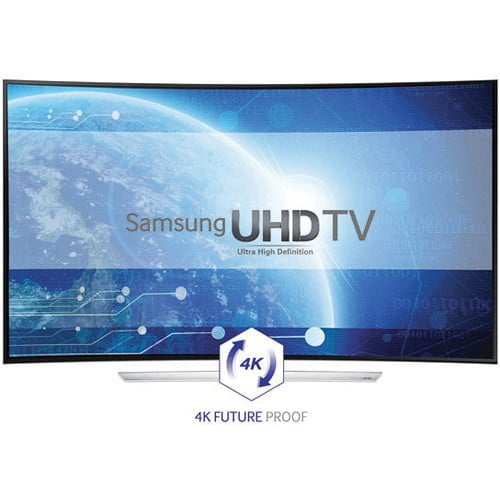
4 times the Full HD resolution
Ultra HD viewing means you can see every intricate detail on the screen clearer than ever. Your Samsung UHD TV offers a resolution four times higher than Full HD, with accurate true-to-life color. Enjoy a picture thats optimized for even greater clarity and detail than youve ever seen before.
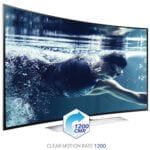
Clear Motion Rate minimizes motion blur
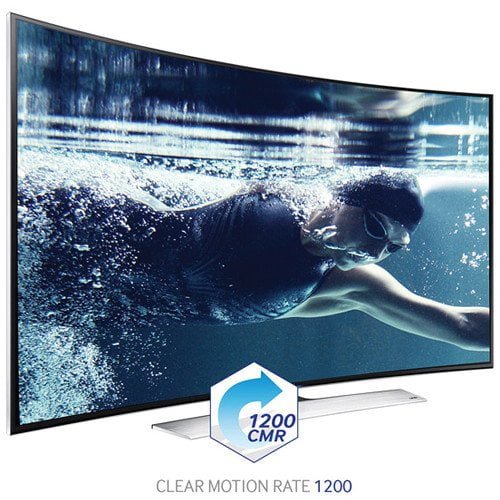
Thanks to Samsungs advanced Clear Motion Rate (CMR) technology, even fast moving scenes are delivered with clarity. A higher CMR means clearer viewing and less motion blur, so you can enjoy action films, sports and other entertainment at their very best. This technology is possible due to an enhanced panel refresh rate, image processor speed and backlight technology. That means viewing thats clearly better.
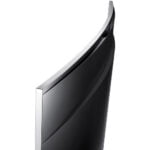
Pleasing curve design that enhances the UHD experience
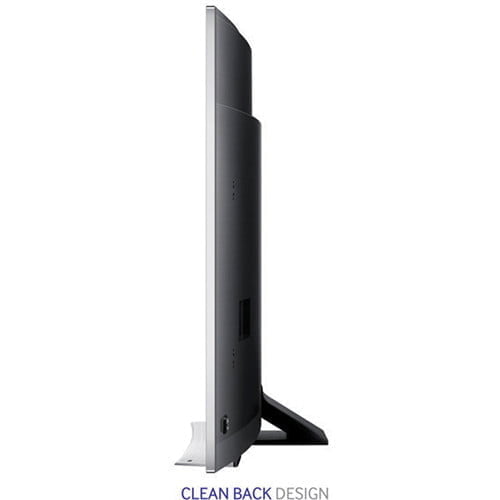
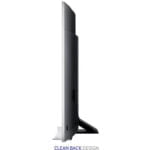
Thanks to Samsungs Aero Curve design, you can enjoy viewing that is even more immersive and enjoyable than ever before. The Aero stand elevates the picture and makes it appear to float, bringing your entertainment to center stage. Add a curved screen to the mix and your viewing experience goes up a whole new level. Natural materials and premium detailing deliver an elegant look that youll be proud to own, and its low-profile built-in speaker provides great audio from the TV itself that matches the mighty UHD screen.
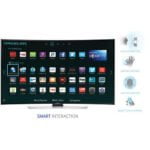
The most advanced way to control your TV ##NLU
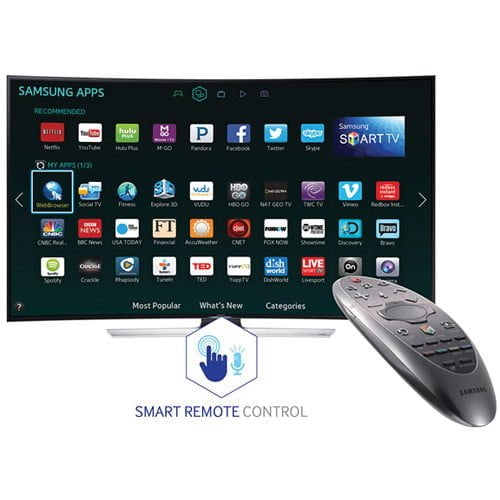
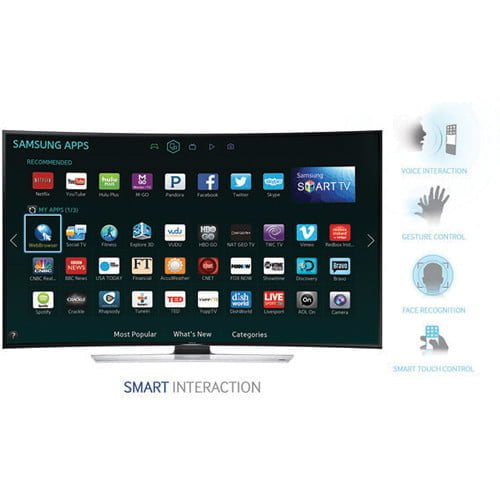
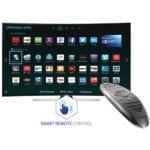
The Samsung Curved UHD TV engages you in an effortless entertainment experience with the latest voice command recognition system and intuitive motion sensing. With Motion Control, you can point with the Samsung Smart Control to control the on-screen cursor for quick navigation. Or use the remotes touchpad or simple finger gestures* to flip through Smart Hub panels. You can even use Voice Interaction* to search weather, sports and stock information* with more than just one-word commands.
The most advanced way to control your TV ——##KWD
The Samsung Curved UHD TV engages you in an effortless entertainment experience with the latest voice command recognition system and intuitive motion sensing. With Motion Control, you can point with the Samsung Smart Control to control the on-screen cursor for quick navigation. Or use the remotes touchpad or simple hand / finger gestures* to flip through Smart Hub panels. And if you want to watch a movie, just click the Search button on the screen and say its title.* Its that easy.
The most advanced way to control your TV ——##CMD
The Samsung Curved UHD TV engages you in an effortless entertainment experience with the latest voice command recognition system and intuitive motion sensing. With Motion Control, you can point with the Samsung Smart Control to control the on-screen cursor for quick navigation. Or use the remotes touchpad or simple hand / finger gestures* to flip through Smart Hub panels. You can even use Voice Interaction* to play content, change the channel, adjust the volume, open apps and more.
Future Ready
TV technology is always evolving and so does Samsung UHD TV. With UHD Evolution Kit*, your Samsung UHD TV can be updated to be compatible with future UHD standards without buying a new TV. Get ready for future UHD standards with Future Ready*.
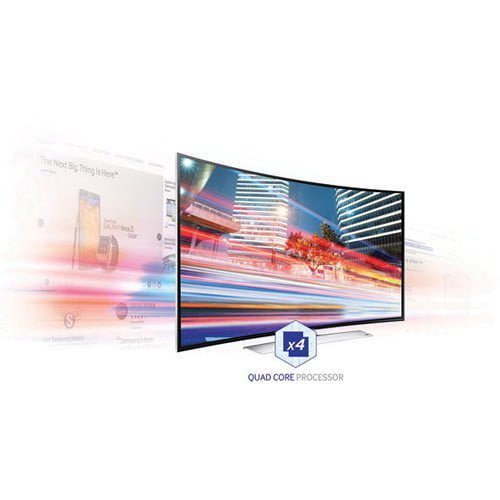
Better performance with a powerful Quad Core Plus processor
Enjoy a smoother Smart TV experience with a powerful Quad Core Plus processor. More than twice as fast as a Quad Core processor, it delivers smoother and faster navigation and multitasking for web browsing, switching between content and more.
Be entertained quicker with faster startup
Now you can get straight to your entertainment quicker than ever. Instant On means your Samsung Smart TV boots up in less than 2 seconds. Thats much faster than the 2013 Samsung Smart TV, so you can spend less time waiting and more time viewing than ever before. Think about it: all those saved seconds add up. You no longer have to waste time while your TV turns on.
Great multitasking with Multi-Link Screen (Quad)
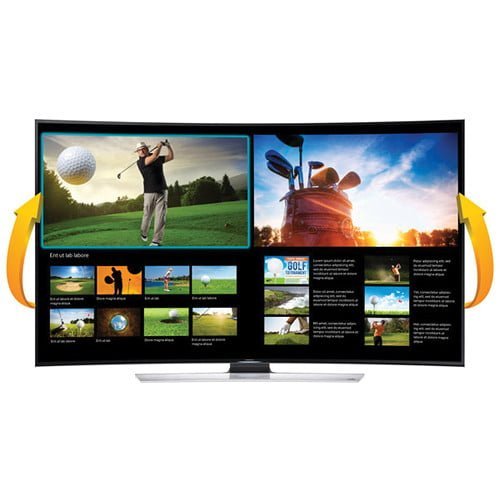
Samsungs Multi-Link Screen brings your entertainment experience to a whole new level by providing multiple-screen viewing. The Multi-Link Screen (Quad) feature lets you use up to four different screens simultaneously on the UHD screen however you want. That means that you can watch live TV on one screen while on another you can browse On TV, and with the remaining two screens you can watch video clips from YouTube while searching for more things to watch. Experience the joys of having four UHD TVs in one.
Great multitasking with Multi-Link Screen (Dual)
Samsungs Multi-Link Screen brings your entertainment experience to a whole new level by providing multiple-screen viewing. You can search for information on the internet about a TV show that youre watching on the same screen, or watch recommended video clips related to the live show youre watching simultaneously.
Updated Smart View connects your TV, devices and content
Samsungs latest Smart View 2.0 app makes it easier to enjoy all your content however you like. Using your home network, you can stream live broadcast TV content to your smartphone or tablet and use your mobile device as a TV remote control. Or you can access and enjoy content on your Smart TV from your smartphone or PC through Smart Hub’s Multimedia Panel. Its easy to use, so all you have to do is enjoy.
See your mobile content on a large TV screen quickly and easily
With your new Samsung Smart TV, you can enjoy content from mobile devices on a bigger screen quickly and easily. Samsungs enhanced screen mirroring technology makes the process simple, with no need to change the TV source. Just open the notification panel on your mobile device, select the Screen Mirroring icon and select the TV. Thats all you need to do to enjoy apps, games and more on a full-size TV.
Easy touchpad and motion control for your TV
Using your TV is more intuitive with the Samsung Smart Control. Using the touchpad you can flip between Smart Hub panels and scroll down webpages, and by pointing the remote, you can utilize Motion Control to move the on-screen cursor to navigate and enter text easily. Useful video control keys also help you watch movies, TV and other content youve downloaded or streamed on demand.
Enjoy great gaming on your TV without a console
Now you dont need a game console to enjoy exciting gaming at home. You can play the latest exciting games right on your Samsung Smart TV. Explore games using the new Smart Hub Games Panel, with categories including racing, sports, action and family games. You can even use your Samsung Smart Control or a compatible mobile device as the game controller. Enjoy some more family time with the Games Panel.
All the excitement of the big match with Soccer Mode
Soccer Mode sharply and vividly brings out the green grass of the pitch and all the other colors of the stadium. A powerful multi-surround sound effect also lets you hear all the excitement. Once you turn on Soccer Mode, it will automatically start recording all action on the TV*. And when theres a change in sound, like the roar of the crowds cheer, or a change in the score, it will know to automatically save the highlights for you to watch later. Play live and recorded matches simultaneously for the ultimate soccer experience at home.
| Model Series | 9 |
|---|---|
| Screen Size | 55″ |
| Resolution | 3840×2160 |
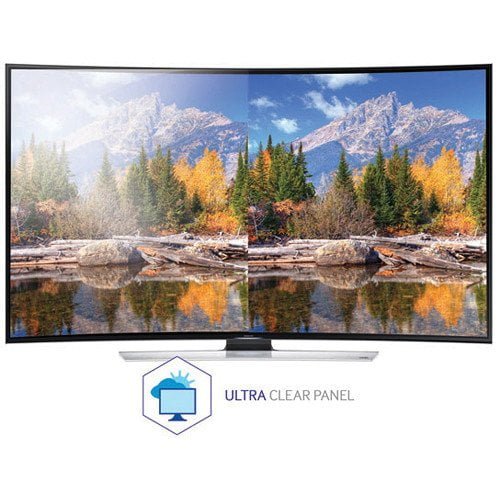
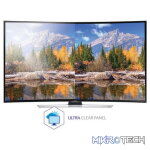
| Ultra Clear Panel | Yes |
| Screen Curvature | 4200R |
| Picture Engine | Quadmatic |
| Clear Motion Rate | 1200 |
| Dynamic Contrast Ratio | Mega Contrast |
| Micro Dimming | UHD Dimming |
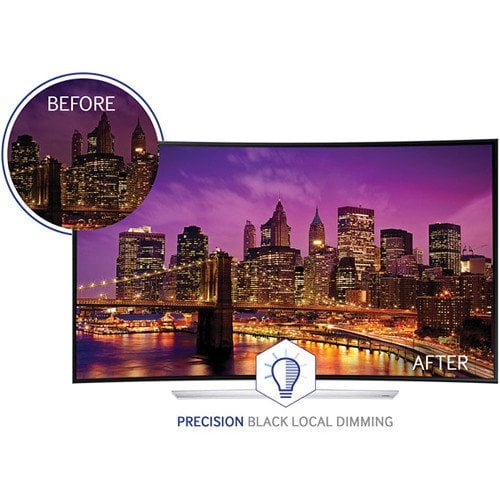
| Precision Black (Local Dimming) | Yes |
| Wide Color Enhancer (Plus) | Yes |
| Color Accuracy | Yes |
| Auto Depth Enhancer | Yes |
| Film Mode | Yes |
| Natural Mode Support | Yes |
| Dolby MS10 / MS110 | MS11 |
| DTS Studio Sound / DNSe+ | DNSE+ |
| DTS Premium Sound / DTS Premium Sound 5.1 | DTS Premium Sound 5.1 |
| 3D Sound | Yes |
| Auto Volume Leveler | Yes |
| Sound Output (RMS) | 60W (Front TW (10W+10W) + Front Mid (10W+10W) + Woofer (10W+10W)) |
| Speaker Type | Front Firing + New Waveguide |
| Woofer | Yes |
| HD Audio | Yes |
| Smart Hub | Yes |
| Samsung SMART TV | Yes |
| On TV | No |
| Movies & TV Shows | Yes |
| Multimedia | Yes |
| Apps | Yes |
| News On | Yes |
| Game | No |
| Social | Yes |
| Fitness | Yes |
| Multi-Screen (Dual / Quad Screen) | Quad |
| Skype on Samsung TV | Yes |
| Web Browser | Yes |
| Search | Yes |
| Voice Interaction | No |
| Voice Control | Yes |
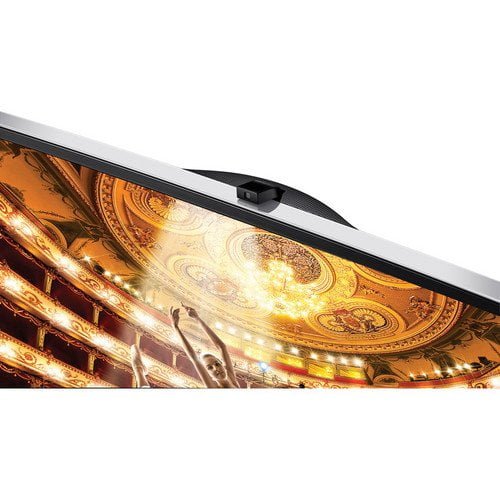
| Camera Built-in | Yes |
| Face recognition | Yes |
| Motion control | Yes |
| Contents Streaming | Yes |
| Screen Mirroring | Yes |
| Samsung SMART View | Yes |
| Smart Home | No |
| Wake On LAN | No |
| WiDi | No |
| DTV Tuner | Ready |
| Analog Tuner | Yes |
| MHP / MHEG / HbbTV / ACAP / GINGA / OHTV | No |
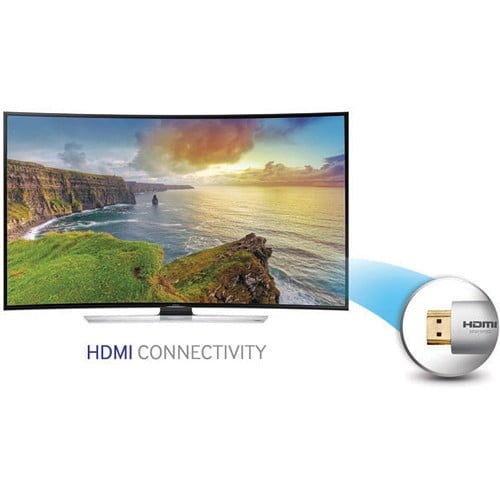
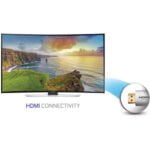
| HDMI | 4 |
| USB | 3 |
| Component In (Y/Pb/Pr) | 1 |
| Composite In (AV) | 2 (1Common Use for Component Y) |
| Ethernet (LAN) | Yes |
| Headphone | No |
| Audio Out (Mini Jack) | Yes |
| Digital Audio Out (Optical) | 1 |
| RF In (Terrestrial / Cable input) | 1/1 (Common Use for Terrestrial)/0 |
| Ex-Link ( RS-232C ) | No |
| IR Out | Yes |
| CI Slot | No |
| Scart | No |
| One Connect (Jack) | Yes |
| WiFi Direct | Yes |
| MHL | Yes |
| Dongle Ready (3G / LTE) | No |
| Wireless LAN Built-in | Yes |
| Anynet+ (HDMI-CEC) | Yes |
| Design | Curved T-Shape |
| Bezel Type | VNB |
| Slim Type | Edge Slim |
| Front Color | Black |
| Light Effect (Deco) | Yes |
| Stand Type | Curved T-Shape |
| Swivel (Left/Right) | No |
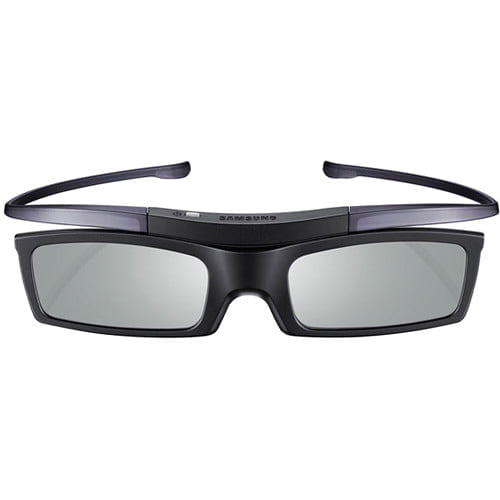
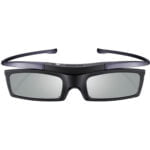
| Samsung 3D | Yes |
| 3D Converter | Yes |
| Instant On | Yes |
| Quad Core+ | Yes |
| Accessibility | Zoom |
| Digital Clean View | Yes |
| Auto Channel Search | Yes |
| Auto Power Off | Yes |
| Clock&On/Off Timer | Yes |
| Sleep Timer | Yes |
| BD Wise Plus | Yes |
| Caption (Subtitle) | No |
| ConnectShare (USB 2.0) | Movie |
| Sports Mode | Basic |
| Embeded POP | Yes |
| EPG | No |
| Extended PVR | No |
| Game Mode | Yes |
| History | No |
| Multiroom Compatible | No |
| OSD Language | Local Languages |
| Picture-In-Picture | Yes |
| USB HID Support | Yes |
| Smart Evolution Support | Yes |
| TV SoundConnect | Yes |
| Teletext (TTXT) | Yes |
| Time Shift | No |
| Analog Clean View | Yes |
| Triple Protector | No |
| GUI | Golden Bridge |
| Eco Mark | 180 |
| Eco Label | 0,5 |
| Eco Sensor | Yes |
| Energy Efficiency Class | N/A |
| Power Supply | AC100-240V 50/60Hz |
| Power Consumption (Max) | 272.00W |
You must be logged in to post a review.
Questions & Answers
There are no questions yet. Be the first to ask a question about this product.
Related products








































































































































Reviews
Clear filtersThere are no reviews yet.