












Images & Specifications Are For Illustrative Purposes Only & May Differ From The Actual Product. E&OE
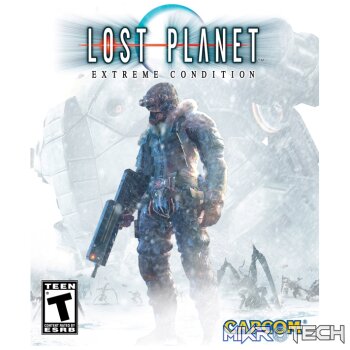
Lost Planet: Extreme Condition Steam CD Key
R59.99 incl. VAT
Only 1 left in stock
Lost Planet: Extreme Condition Trailer

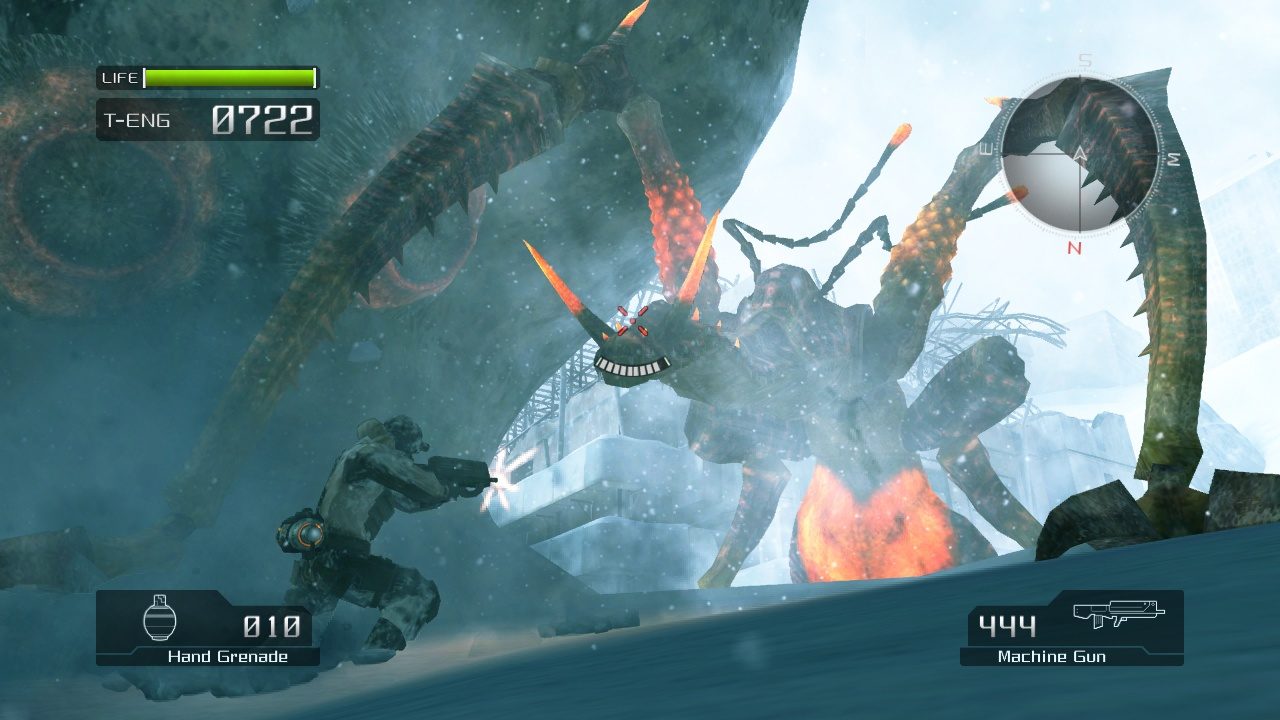
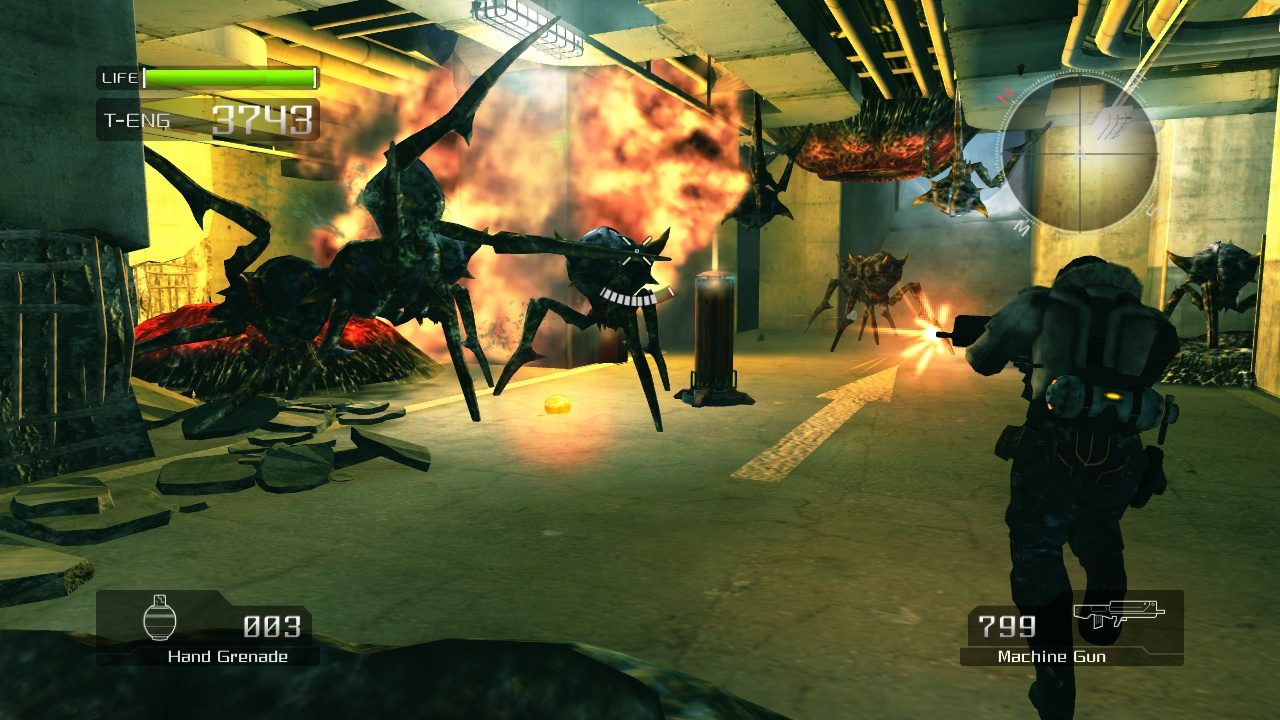
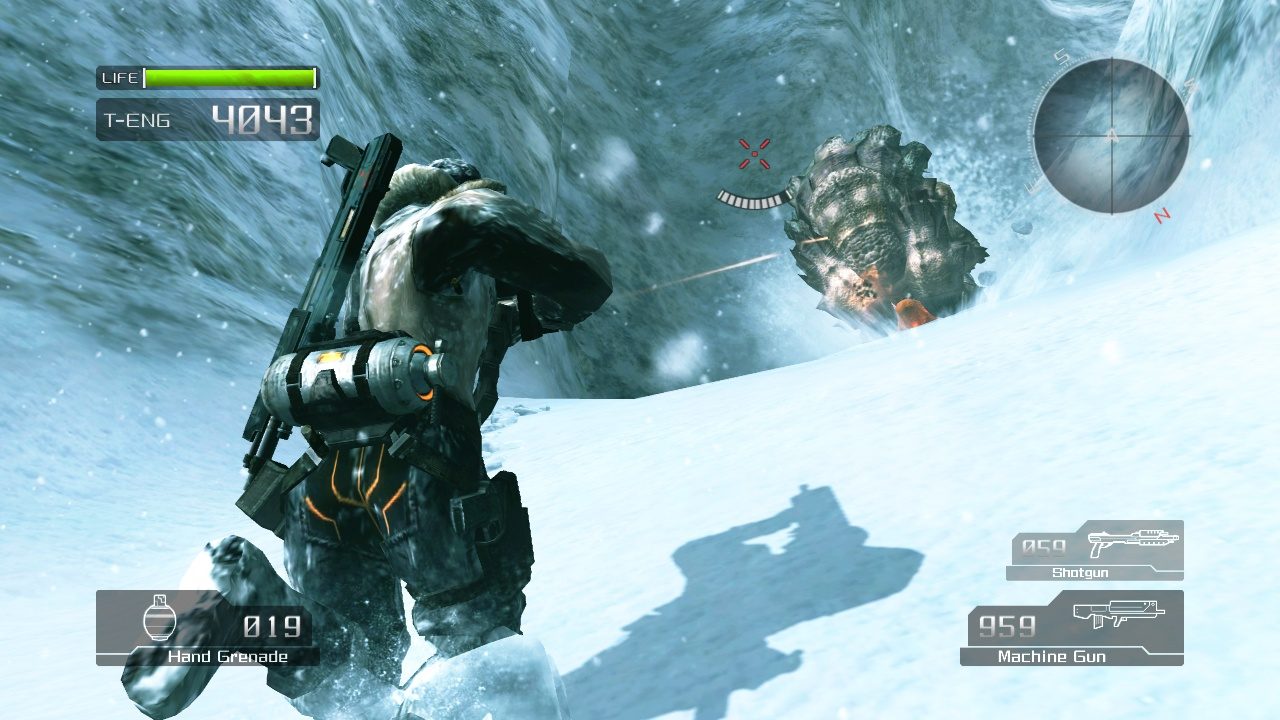
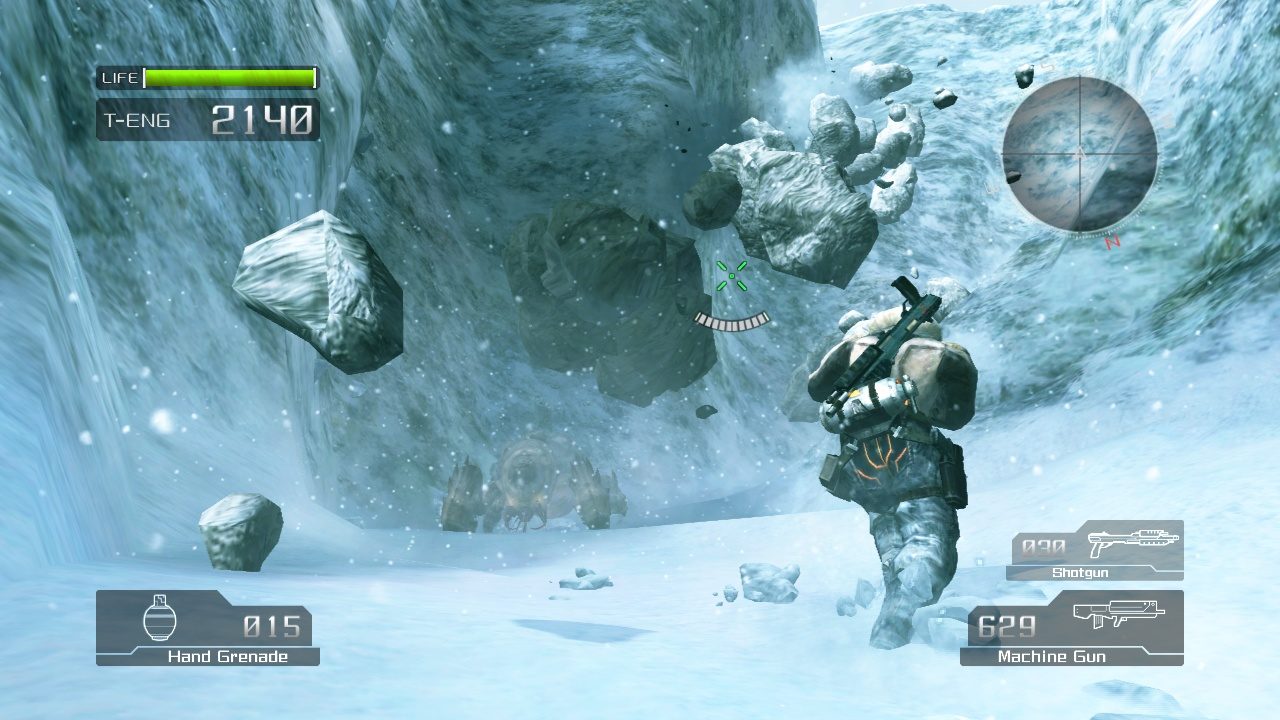
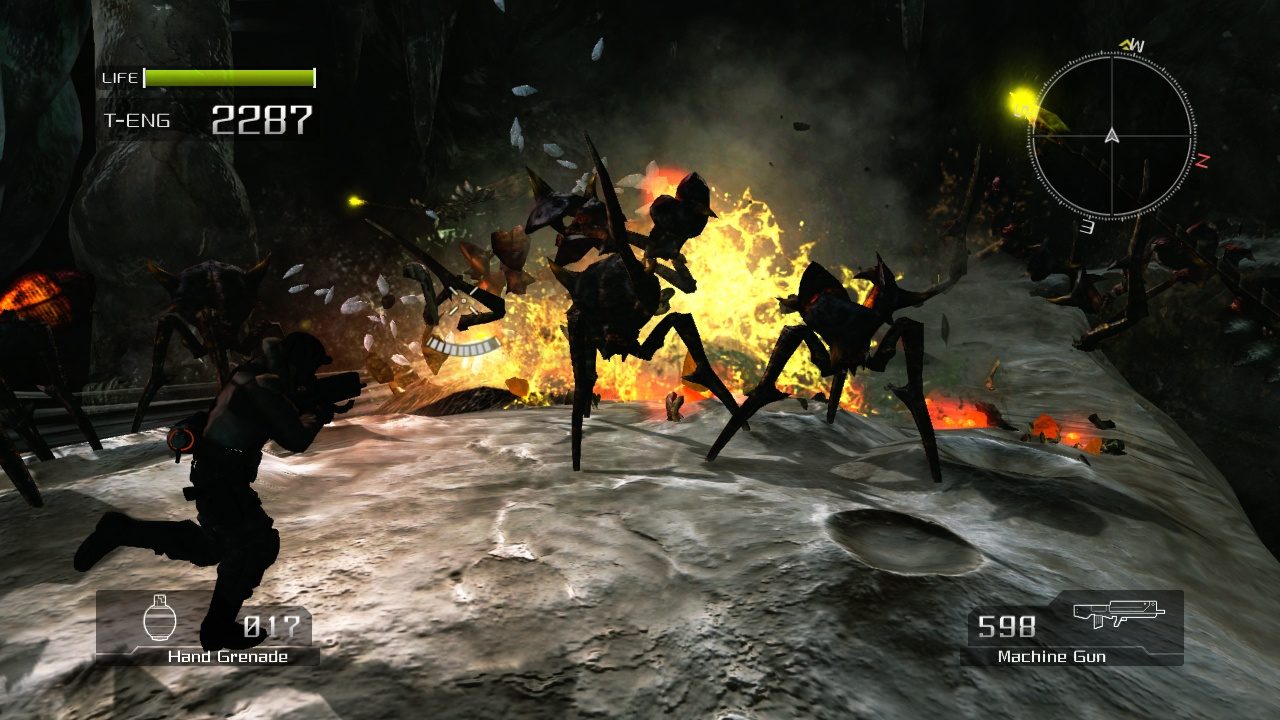
The game is played through a third person over-the-shoulder view. Players are allowed to switch between first person and third person at any moment. Players either travel on foot or ride various types of mechanized suits called Vital Suits (VSs). VSs carry heavy weapons such as chainguns and rocket launchers. They can pick up weapons lying on the ground and fire multiple weapons at once. On foot, players are able to use a grappling hook to pull themselves up to normally hard-to-reach places, or to hook onto a VS and hijack it. Driving VSs and using certain weapons requires thermal energy. Also, the planet's cold temperature causes the characters' thermal energy level to continually decrease. Players can replenish their thermal energy level by defeating enemies or activating data posts. Data posts also allow players to use their navigational radars to see incoming enemies. Each of the 11 levels is accompanied by a boss, which can be either a VS or a large Akrid.
Developer: Capcom
Publisher: Capcom
Genre: Action Adventure Co-op Open World Third-Person Shooter
Platform: Steam
Release Date: 2007-06-26
Age-Rating: PEGI 16
Metacritic Score:
Lost Planet: Extreme Condition Minimum System Requirements:
Please ensure that your system meets the minimum requirements & will be compatible before purchase.
Windows
Windows® XP,
Intel® Pentium® 4 supporting HT technology or AMD Athlon™ 64 3500+ or greater,
512 MB RAM (Windows XP) / 1 GB RAM (Windows Vista),
8.0 GB free disk space,
640×480 minimum resolution, 256 MB VRAM, DirectX®9.0c / Shader3.0*, NVIDIA® GeForce® 6600 or greater**, DirectSound compatible. DirectX®9.0c,
Broadband connection (Internet connection required to play.)
How To Activate The CD Key?
Go to: http://store.steampowered.com/ and download STEAM client
Click “Install Steam” (from the upper right corner)
Install and start application, login with your Account name and Password (create one if you don’t have).
Please follow these instructions to activate a new retail purchase on Steam:
Launch Steam and log into your Steam account.
Click the Games Menu.
Choose Activate a Product on Steam…
Follow the onscreen instructions to complete the process.
After successful code verification go to the “MY GAMES” tab and start downloading.
You must be logged in to post a review.
Questions & Answers
There are no questions yet. Be the first to ask a question about this product.
























































































































































Reviews
Clear filtersThere are no reviews yet.