













Images & Specifications Are For Illustrative Purposes Only & May Differ From The Actual Product. E&OE
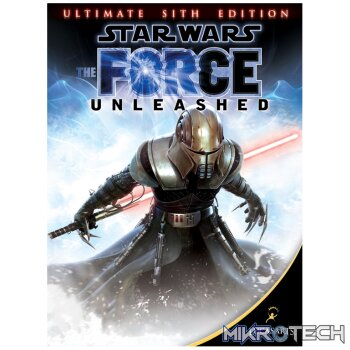
Star Wars The Force Unleashed: Ultimate Sith Edition PC Steam CD Key
R299.99 incl. VAT
Only 1 left in stock
Star Wars: The Force Unleashed – Ultimate Sith Edition Trailer

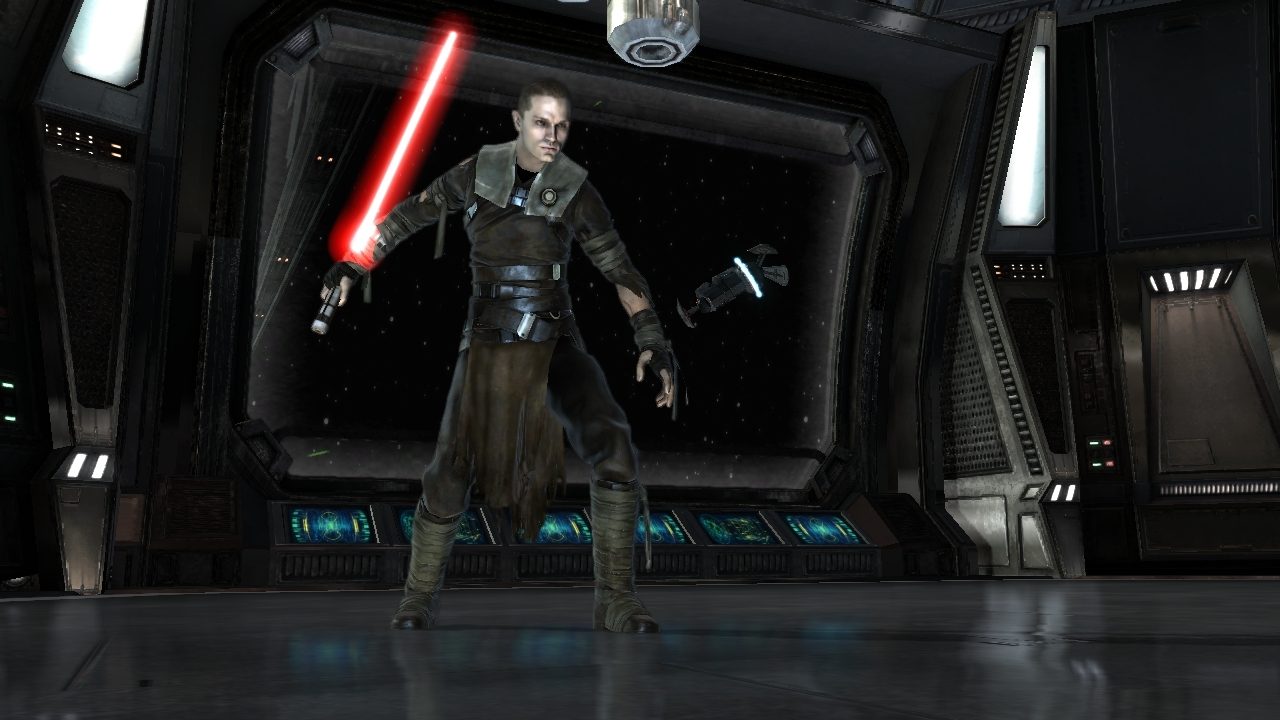
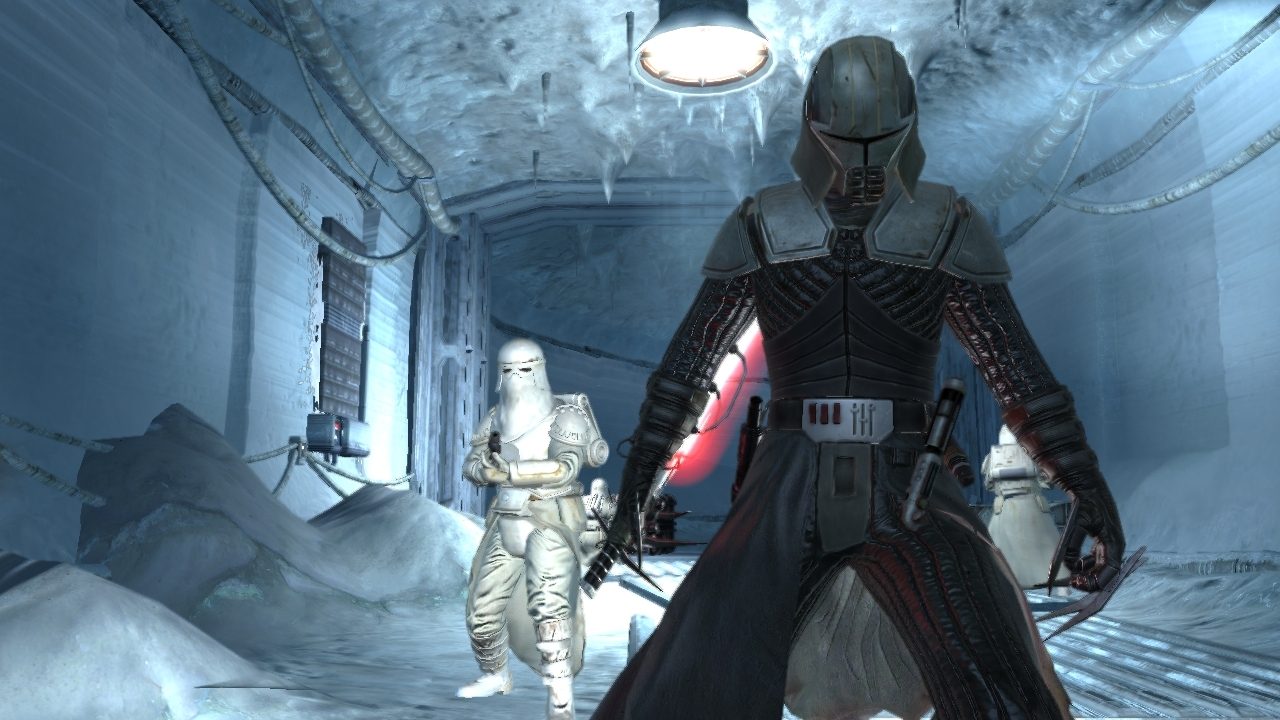
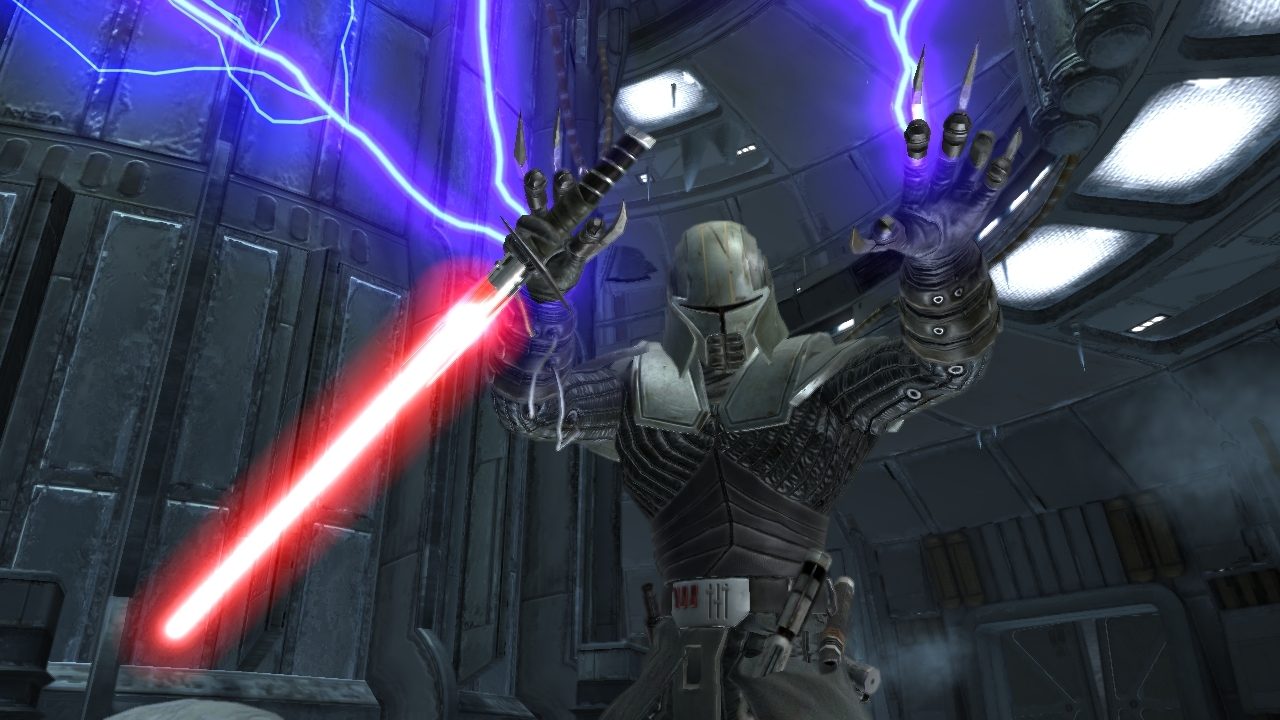
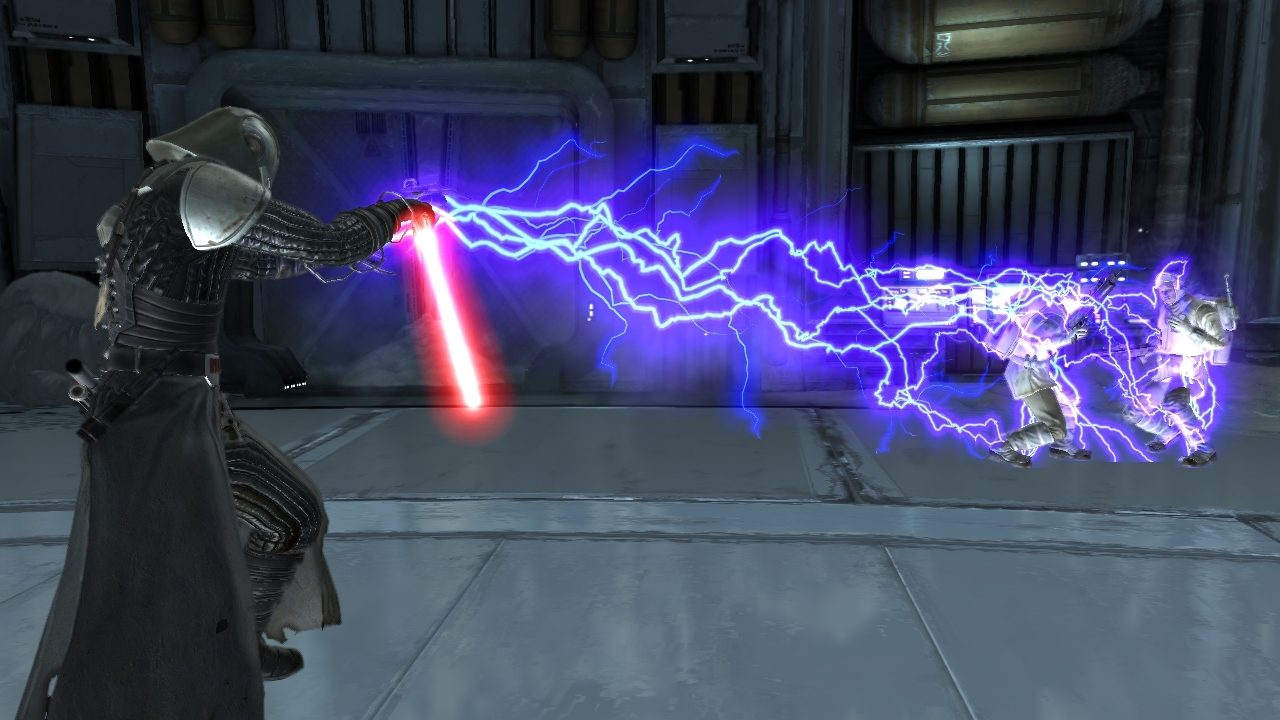
The story and action of Star Wars: The Force Unleashed expands with the release of Star Wars The Force Unleashed: Ultimate Sith Edition, a special new version of the game that will show gamers the deepest, darkest side of the Force in a story that puts them on a collision course with Luke Skywalker himself. The Ultimate Sith Edition includes all of the original missions found in Star Wars: The Force Unleashed as well as content previously only available via download and an all-new exclusive bonus level. Star Wars: The Force Unleashed completely re-imagines the scope and scale of the Force and casts players as Darth Vader’s "Secret Apprentice," unveiling new revelations about the Star Wars galaxy seen through the eyes of a mysterious new character armed with unprecedented powers.
Developer: LucasArts
Publisher: LucasArts
Genre: Action
Platform: Steam
Release Date: 2009-12-15
Age-Rating:
Metacritic Score: 65

Star Wars: The Force Unleashed – Ultimate Sith Edition Minimum System Requirements:
Please ensure that your system meets the minimum requirements & will be compatible before purchase.
Windows
OS: Win XP SP3, Windows Vista SP2 or Windows 7
Processor: Intel Core 2 Duo 2.4 GHz or AMD Athlon X2 5200+
Memory: 2 GB
Graphics: 3D Hardware Accelerator Card Required – 100% DirectX 9.0c compatible 256 MB Video Memory with Shader 2.0 support (Radeon HD 2900 or Geforce 8600)
DirectX®: Directx 9.0c compatible
Hard Drive: 30GB
Sound: Directx 9.0c compatible
Controller Support: XBox 360 Controller for Windows
Supported ATI Chipsets: ATI Radeon HD 2600, 2900, 3650, 3690, 3850, 3870, 4550, 4650, 4770, 4850, 4870, 5890
Supported NVIDIA Chipsets: NVIDIA GeForce 8600, 8800, 9400, 9500, 9600, 9800, 250, 260, 275, 280, 285, 295
How To Activate The CD Key?
Go to: http://store.steampowered.com/ and download STEAM client
Click “Install Steam” (from the upper right corner)
Install and start application, login with your Account name and Password (create one if you don’t have).
Please follow these instructions to activate a new retail purchase on Steam:
Launch Steam and log into your Steam account.
Click the Games Menu.
Choose Activate a Product on Steam…
Follow the onscreen instructions to complete the process.
After successful code verification go to the “MY GAMES” tab and start downloading.
You must be logged in to post a review.
Questions & Answers
There are no questions yet. Be the first to ask a question about this product.
Related products



















































































































































Reviews
Clear filtersThere are no reviews yet.