













Images & Specifications Are For Illustrative Purposes Only & May Differ From The Actual Product. E&OE
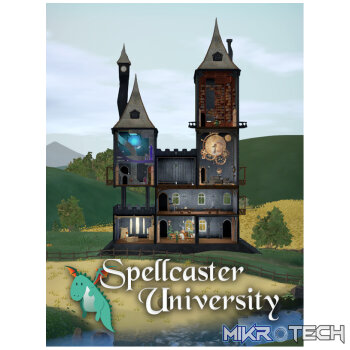
Spellcaster University PC Steam CD Key
R79.99 incl. VAT
Only 7 left in stock
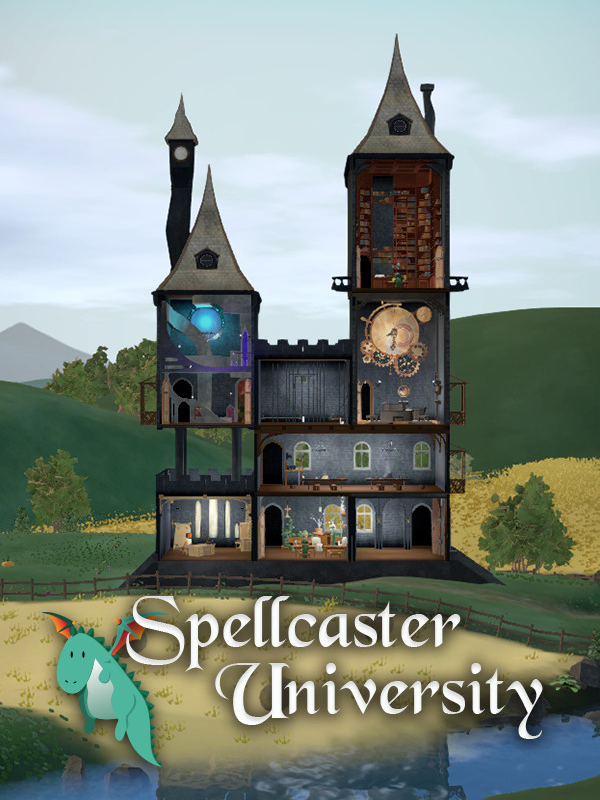
Spellcaster University
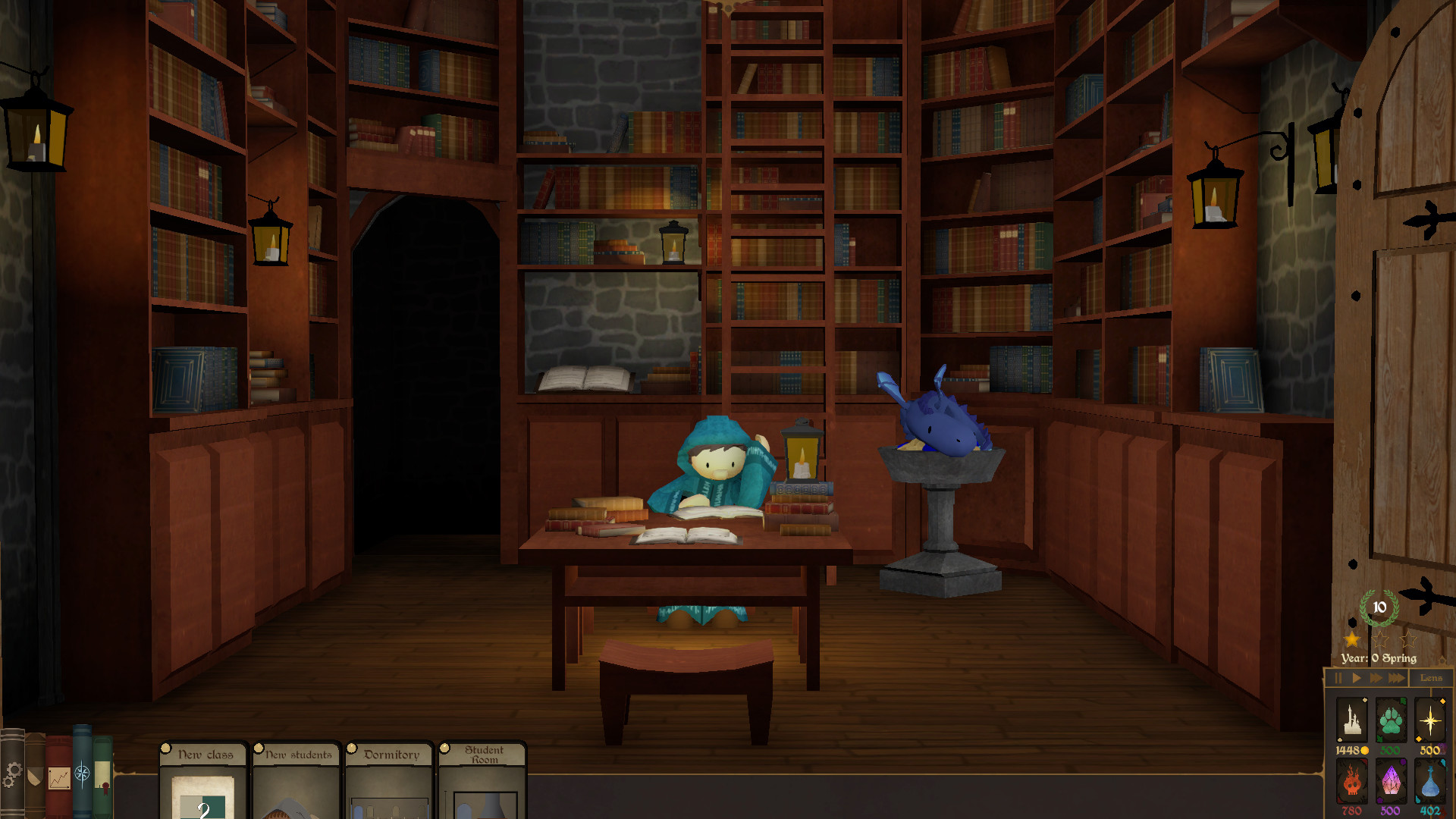
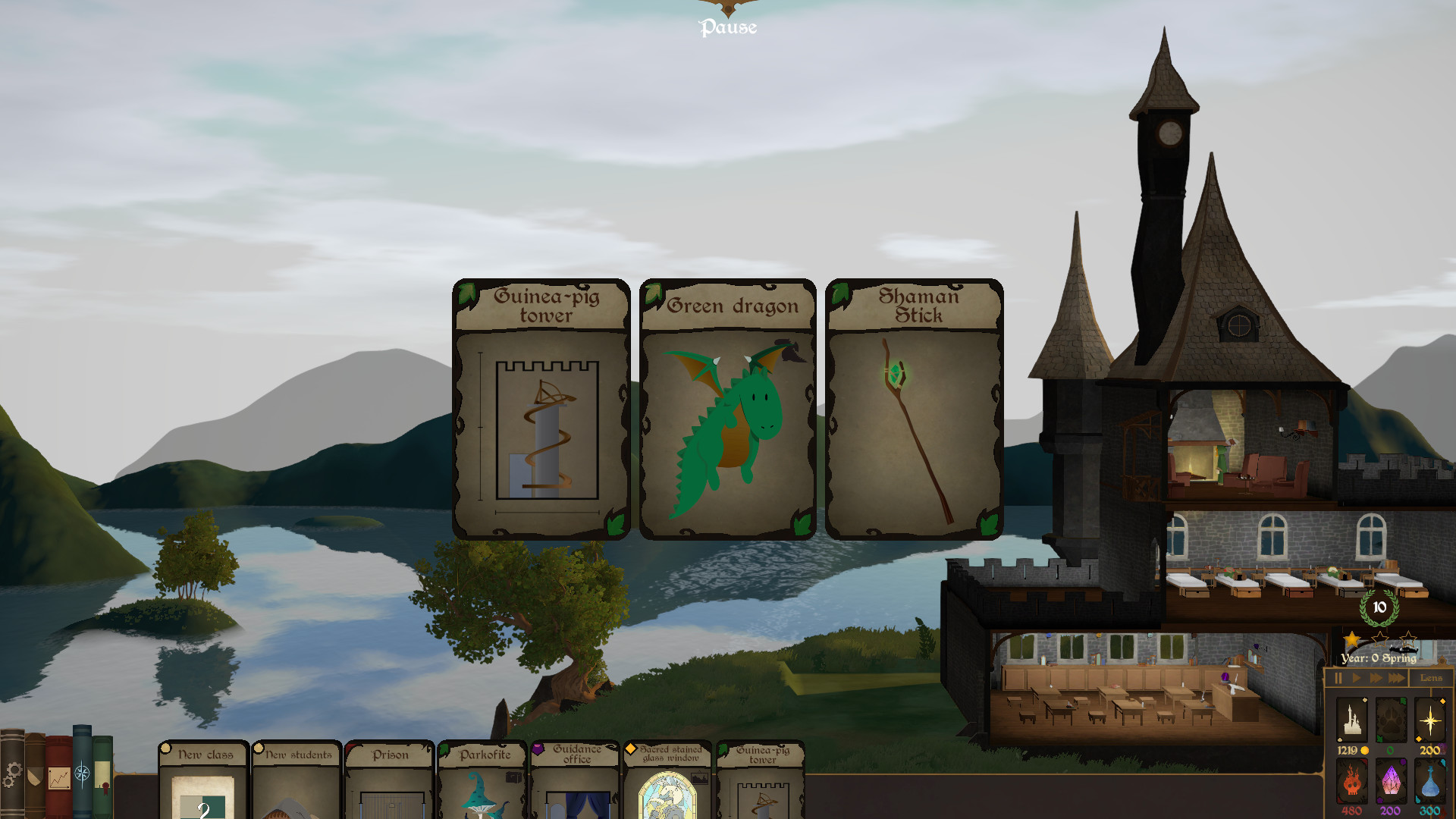
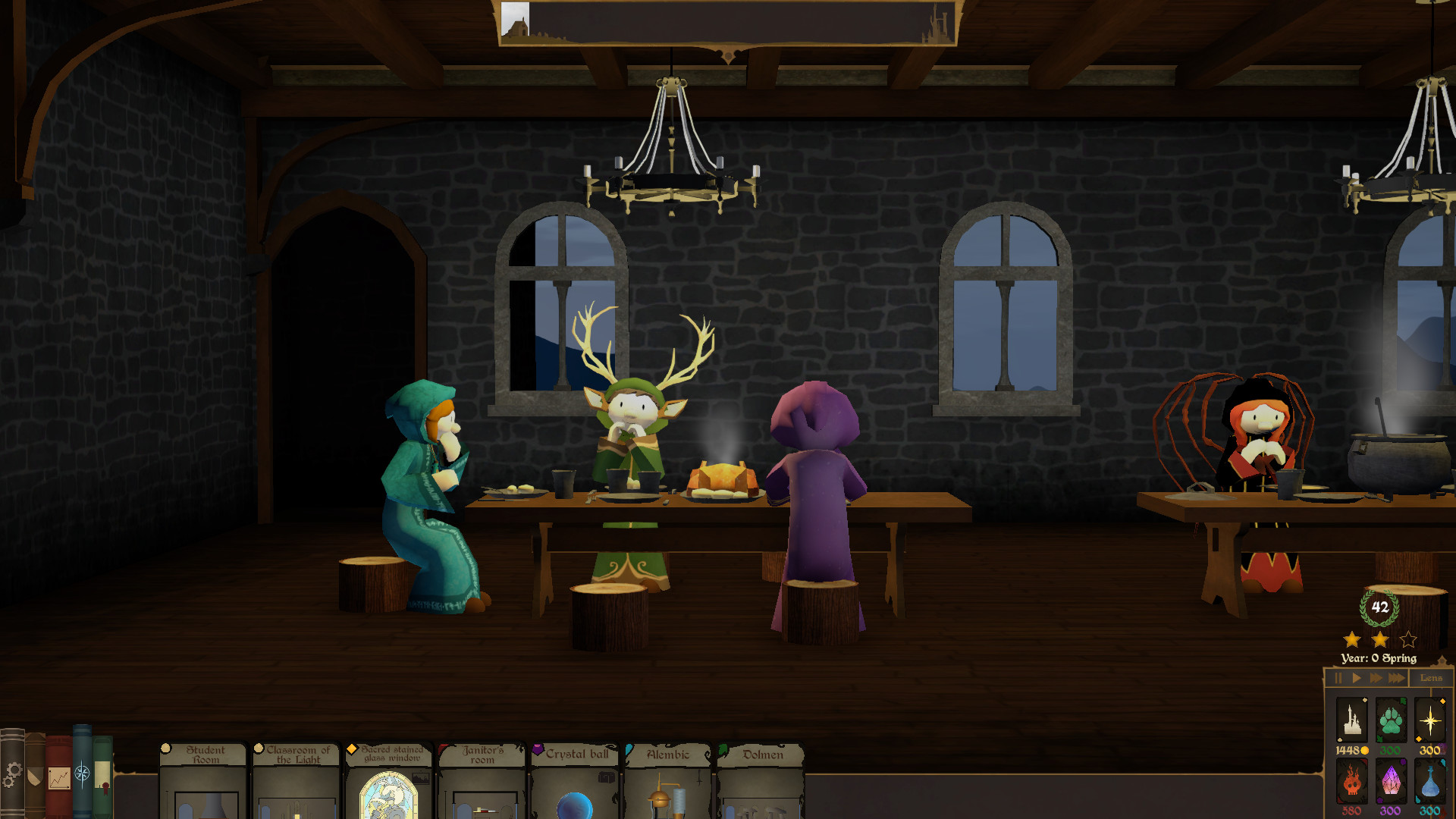
Develop a prestigious university of mages. Build rooms, train your students, fight orcs, slay the bureaucrats, manage your budget… a director's life is not a quiet one.
Developer:
Publisher:
Genre: Strategy Simulation
Platform: Steam
Release Date: 2019-09-24
Age-Rating:
Metacritic Score:


Spellcaster University Minimum System Requirements:
Please ensure that your system meets the minimum requirements & will be compatible before purchase.
Windows
OS: Windows 7 or better
Processor: Intel i3-2100 / AMD A8-5600k
Memory: 4 GB RAM
Graphics: GeForce GTX 630 / Radeon HD 6570
Storage: 2 GB available space
How To Activate The CD Key?
Go to: http://store.steampowered.com/ and download STEAM client
Click “Install Steam” (from the upper right corner)
Install and start application, login with your Account name and Password (create one if you don’t have).
Please follow these instructions to activate a new retail purchase on Steam:
Launch Steam and log into your Steam account.
Click the Games Menu.
Choose Activate a Product on Steam…
Follow the onscreen instructions to complete the process.
After successful code verification go to the “MY GAMES” tab and start downloading.
You must be logged in to post a review.
Questions & Answers
There are no questions yet. Be the first to ask a question about this product.





















































































































































Reviews
Clear filtersThere are no reviews yet.