













Images & Specifications Are For Illustrative Purposes Only & May Differ From The Actual Product. E&OE
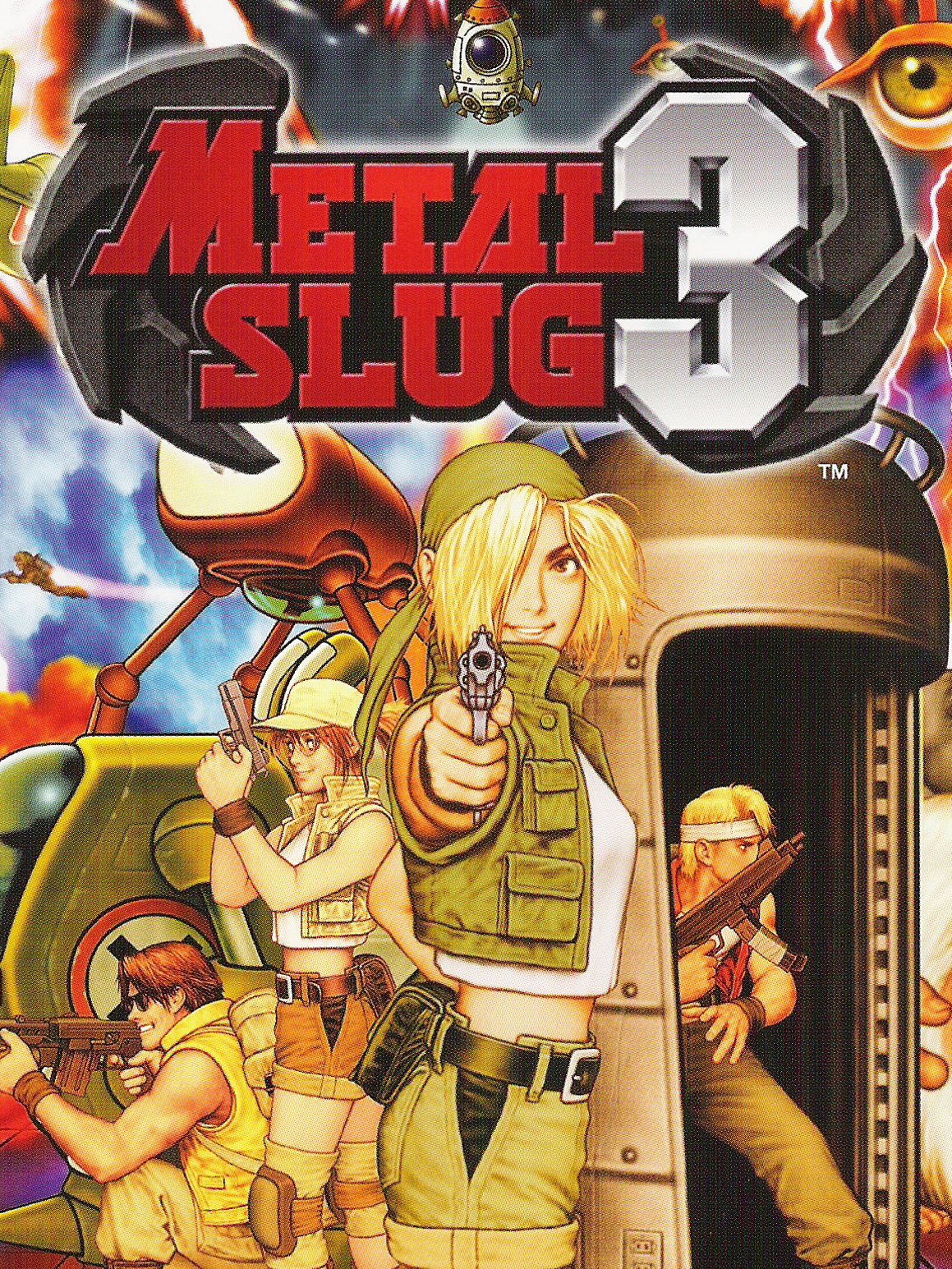
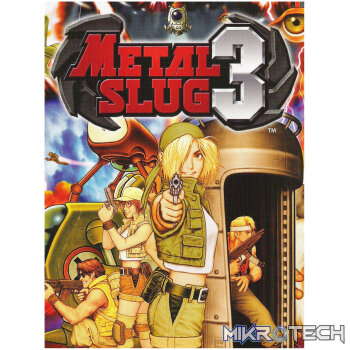
METAL SLUG 3 Steam CD Key
R59.99 incl. VAT
Only 5 left in stock
Metal Slug 3
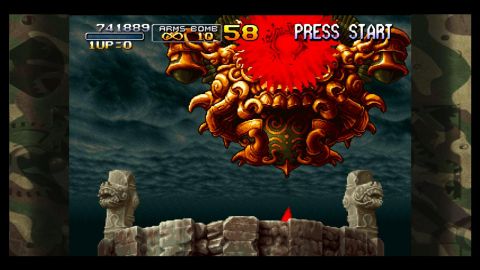
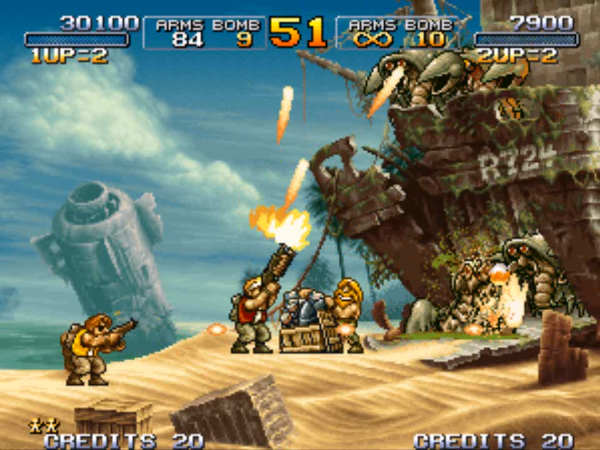
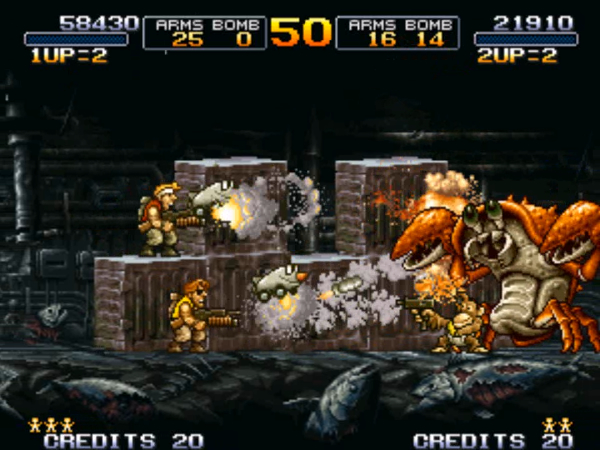
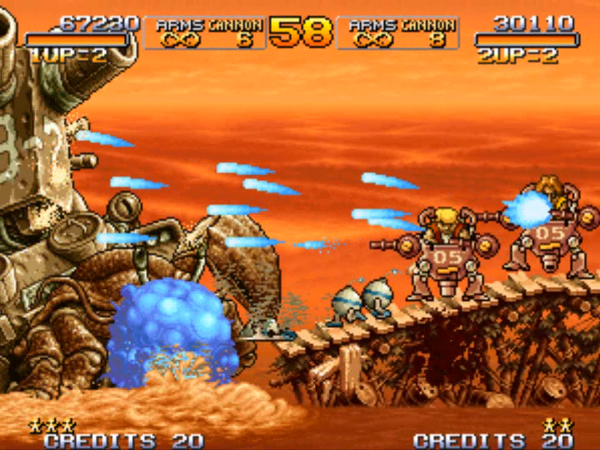
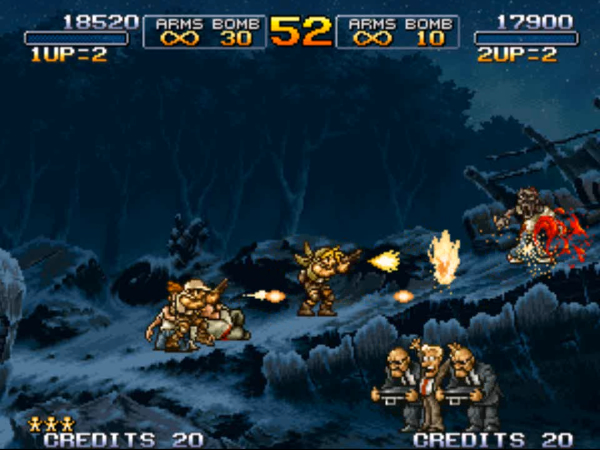
“METAL SLUG 3”, the masterpiece in SNK’s emblematic 2D run & gun action shooting game series, still continues to fascinate millions of fans worldwide to this day for its intricate dot-pixel graphics, and simple and intuitive game controls! The most highly praised title in the series among Metal Slug fans for its refined balance and game volume, heads out to the Steam gaming platform! MAIN FEATURES・ARCADE MODE (MAIN MISSION): Play the arcade version of “METAL SLUG 3” from the beginning, and explore 5 immense challenging stages featuring multiple branching paths to explore exciting new areas! Make your way through the deluge of fire and fight off gigantic boss characters! ・MISSION MODE (STAGE SELECT): Play your favorite stages at will and train alone or with a brother-in-arms on the missions you have unlocked so far! ・ONLINE MISSION (ONLINE MULTIPLAYER): Connect to Steam and clear missions with friends far away via Online Co-Op Play. Find a fellow countryman or foreign ally and let the mission begin! ・SETTINGS: Configure display, control, and language settings. ・GALLERY: View original illustrations of the game that you've unlocked. ・LEADERBOARDS Check your current rank and score in“METAL SLUG 3” at any time, and compete with other players to become the world's No. 1 soldier! ** WILL NOT RUN ON XP **
Developer: SNK
Publisher: SNK
Genre: Action
Platform: Steam
Release Date: 2014-02-14
Age-Rating: PEGI 12
Metacritic Score:
Metal Slug 3 Minimum System Requirements:
Please ensure that your system meets the minimum requirements & will be compatible before purchase.
Windows
OS: Windows Vista, 7, 8
Processor: Pentium 4 2.4Ghz
Memory: 1 GB RAM
Graphics: Intel HD Graphics
DirectX: Version 9.0c
Storage: 500 MB available space
How To Activate The CD Key?
Go to: http://store.steampowered.com/ and download STEAM client
Click “Install Steam” (from the upper right corner)
Install and start application, login with your Account name and Password (create one if you don’t have).
Please follow these instructions to activate a new retail purchase on Steam:
Launch Steam and log into your Steam account.
Click the Games Menu.
Choose Activate a Product on Steam…
Follow the onscreen instructions to complete the process.
After successful code verification go to the “MY GAMES” tab and start downloading.
You must be logged in to post a review.
Questions & Answers
There are no questions yet. Be the first to ask a question about this product.






































































































































Reviews
Clear filtersThere are no reviews yet.