












Images & Specifications Are For Illustrative Purposes Only & May Differ From The Actual Product. E&OE
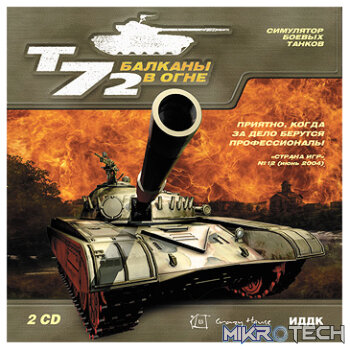
Iron Warriors: T – 72 Tank Command Steam CD Key
R39.99 incl. VAT
Only 2 left in stock
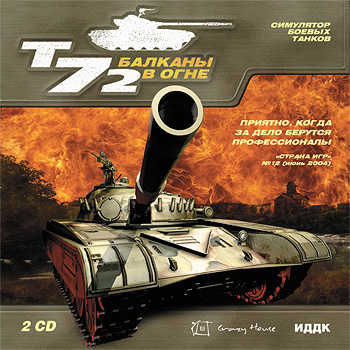
Iron Warriors: T-72 Tank Command
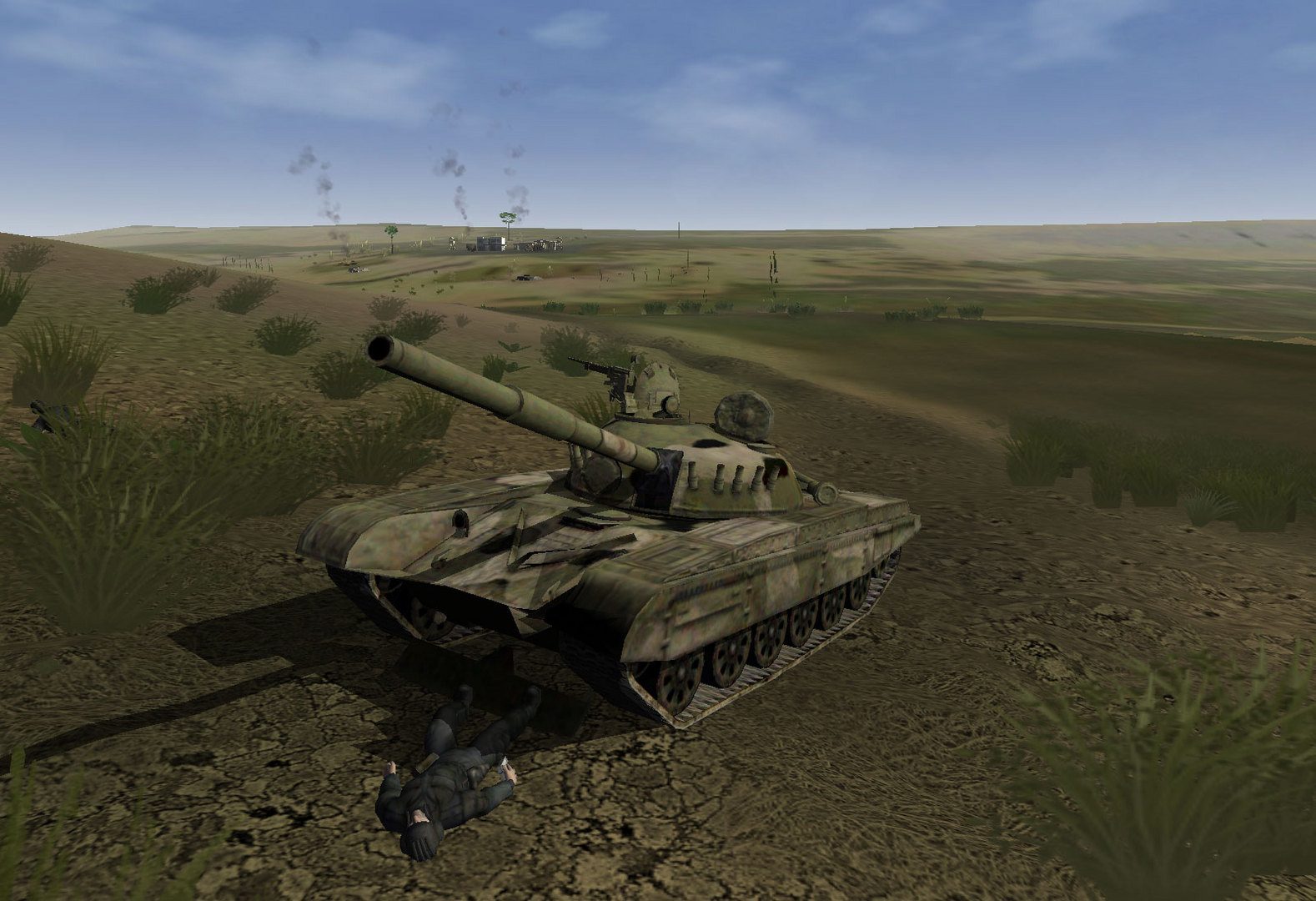
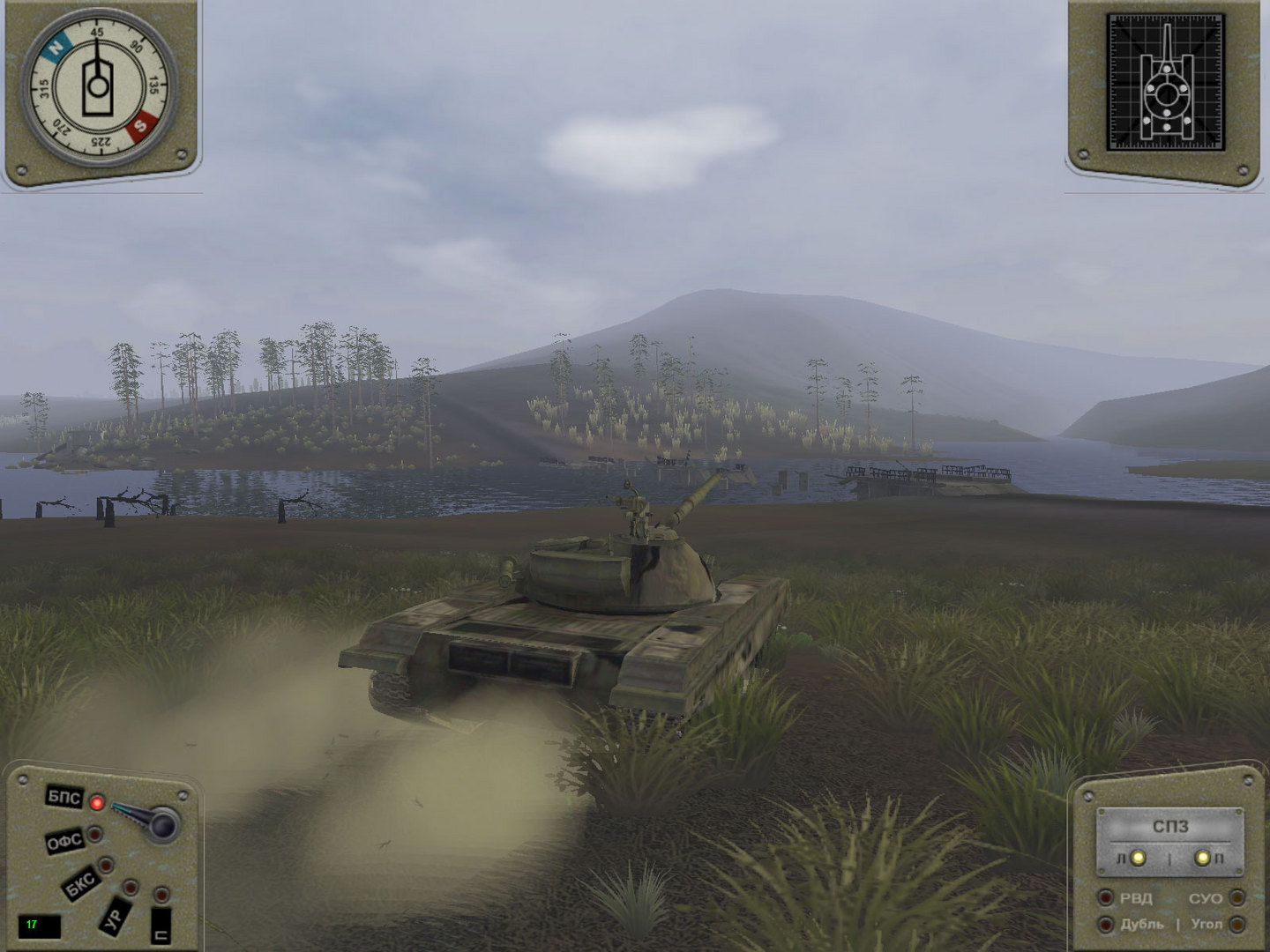
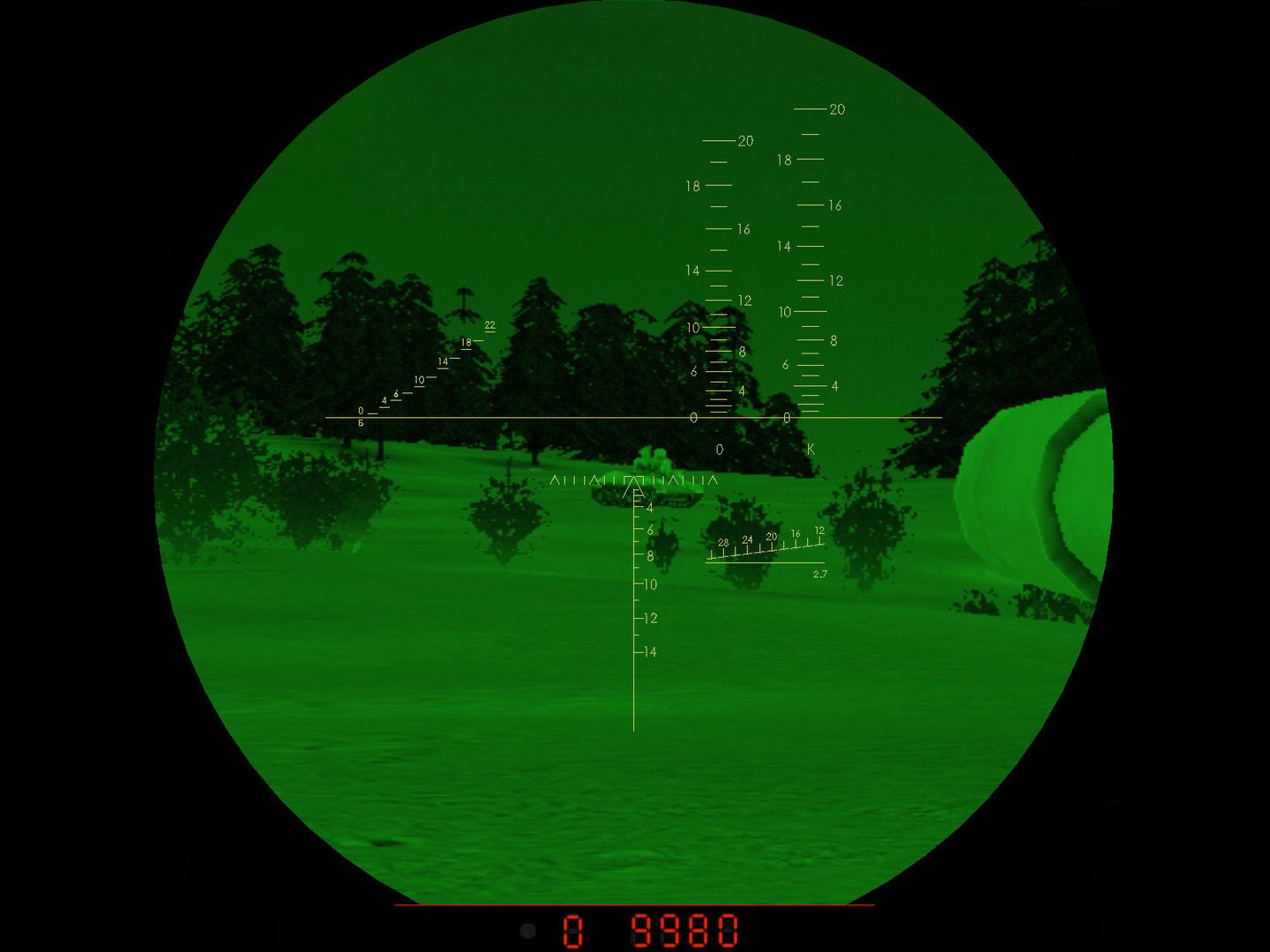
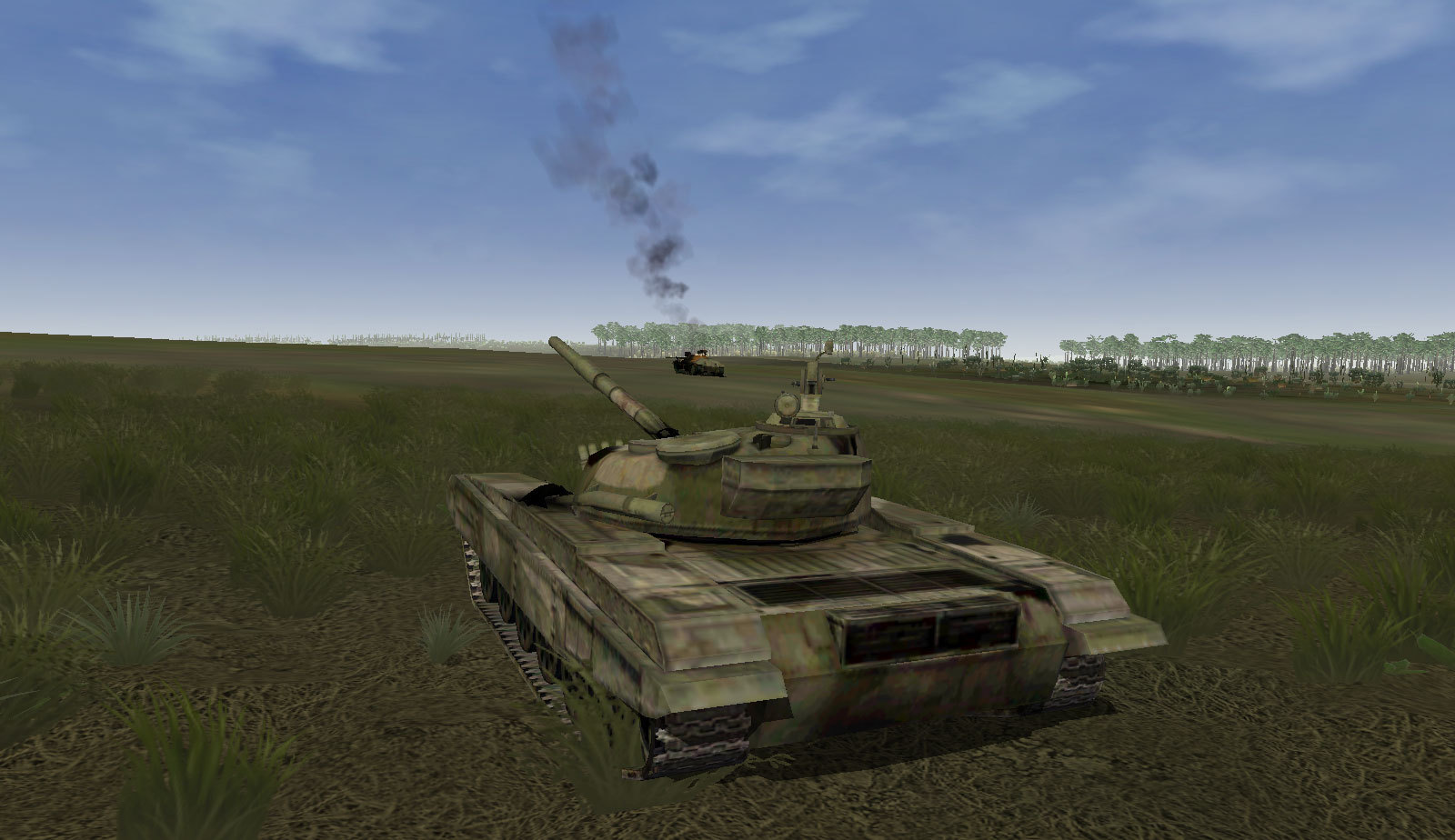
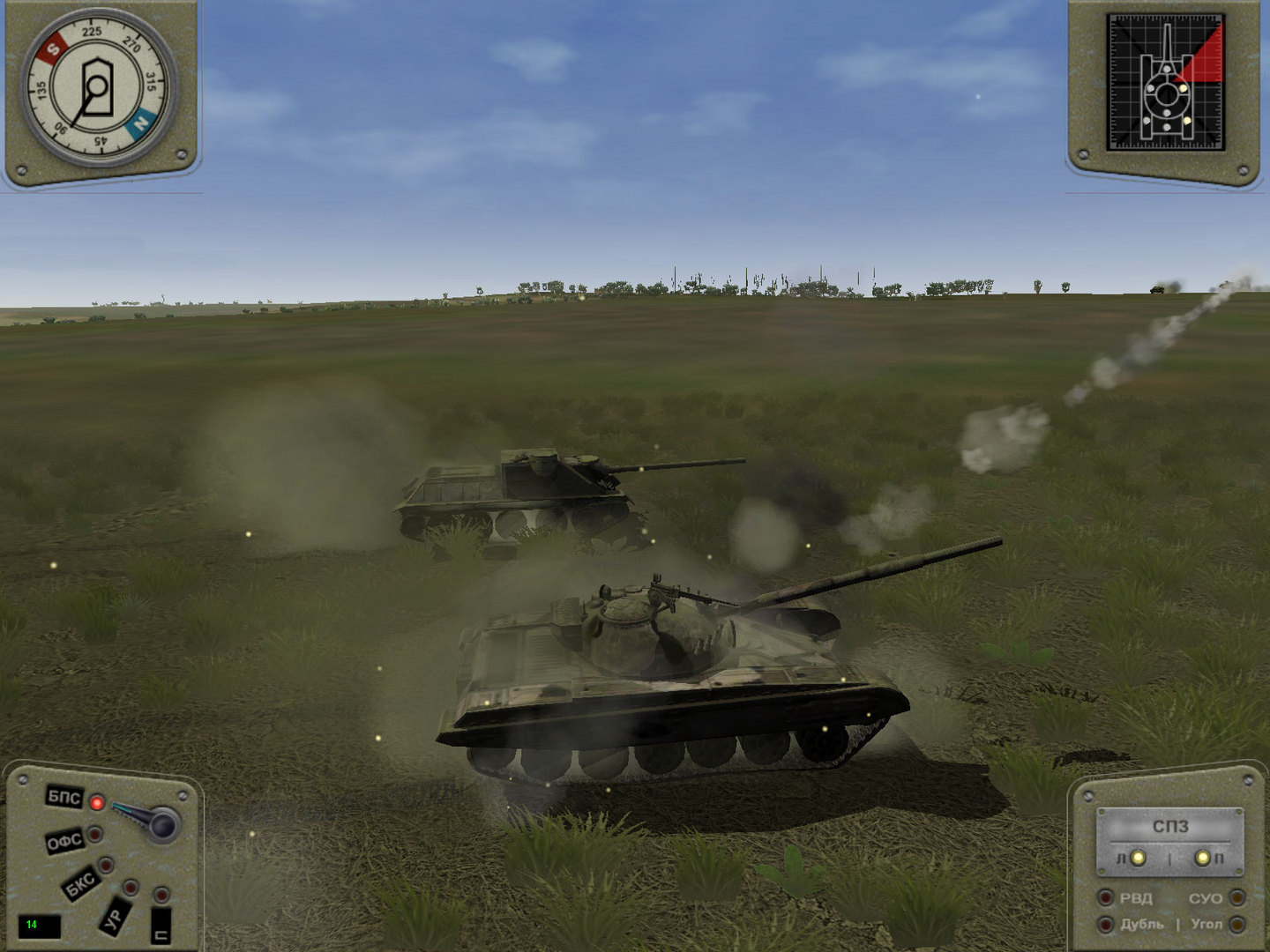
The most devastating mechanized armor to ever roll onto a battlefield is brought to life in Iron Warriors: T72-Tank Command. This epic combat simulator allows the player to command an entire platoon of tanks and ALL associated support units, or assume the role of ANY member in a complete tank crew!The realism of both the physics and 3D engine creates game environments where real life armored tactic become the only way to survive on the today's modern battlefield.Three of Russia's most devastating and powerful tanks ever produced are yours to control; the T – 34-85, T-55A and T-72B. Roll these mechanized monsters through 18 campaigns, 2 training missions, 5 single player missions and 3 multiplayer (LAN) missions. Master your tank and crew and you will soon take command of other units that round out your mechanized platoon. Cooperative multi-player support allows gamers to team up as a tank crew and play different positions within the same tank! Roll into battle on some of the most realistic terrain maps ever modeled; real weather, destructible terrain and detailed models. Ballistics models take into effect: wind, shell, aerodynamic flight characteristics, barrel wear and droop! Powerful mission editor, map editor, and structure editor included; modify existing content or create your own.
Developer: Strategy First
Publisher: Strategy First
Genre: Strategy
Platform: Steam
Release Date: 2006-07-26
Age-Rating:
Metacritic Score: 56
Iron Warriors: T-72 Tank Command Minimum System Requirements:
Please ensure that your system meets the minimum requirements & will be compatible before purchase.
Windows
OS: Windows XP
Processor: 1Ghz Athlon or Pentium III CPU
Memory: 256MB RAM
Graphics: DirectX 9.0 Compatible Video Card (ex: Geforce 2/4MX or Radeon 7500)
Sound Card: DirectX 9.0 Compatible Sound Card
Hard Drive: 2 Gigabyte free space
DirectX: 9.0c
How To Activate The CD Key?
Go to: http://store.steampowered.com/ and download STEAM client
Click “Install Steam” (from the upper right corner)
Install and start application, login with your Account name and Password (create one if you don’t have).
Please follow these instructions to activate a new retail purchase on Steam:
Launch Steam and log into your Steam account.
Click the Games Menu.
Choose Activate a Product on Steam…
Follow the onscreen instructions to complete the process.
After successful code verification go to the “MY GAMES” tab and start downloading.
| Developer | Strategy First |
|---|---|
| Publisher | Strategy First |
You must be logged in to post a review.
Questions & Answers
There are no questions yet. Be the first to ask a question about this product.
Related products








































































































































Reviews
Clear filtersThere are no reviews yet.